
Lieferzeit in ganz Litauen: 5-10 Werktage
Lieferpreis an die angegebene Adresse: 3 Euro




Trumpai apie prekę
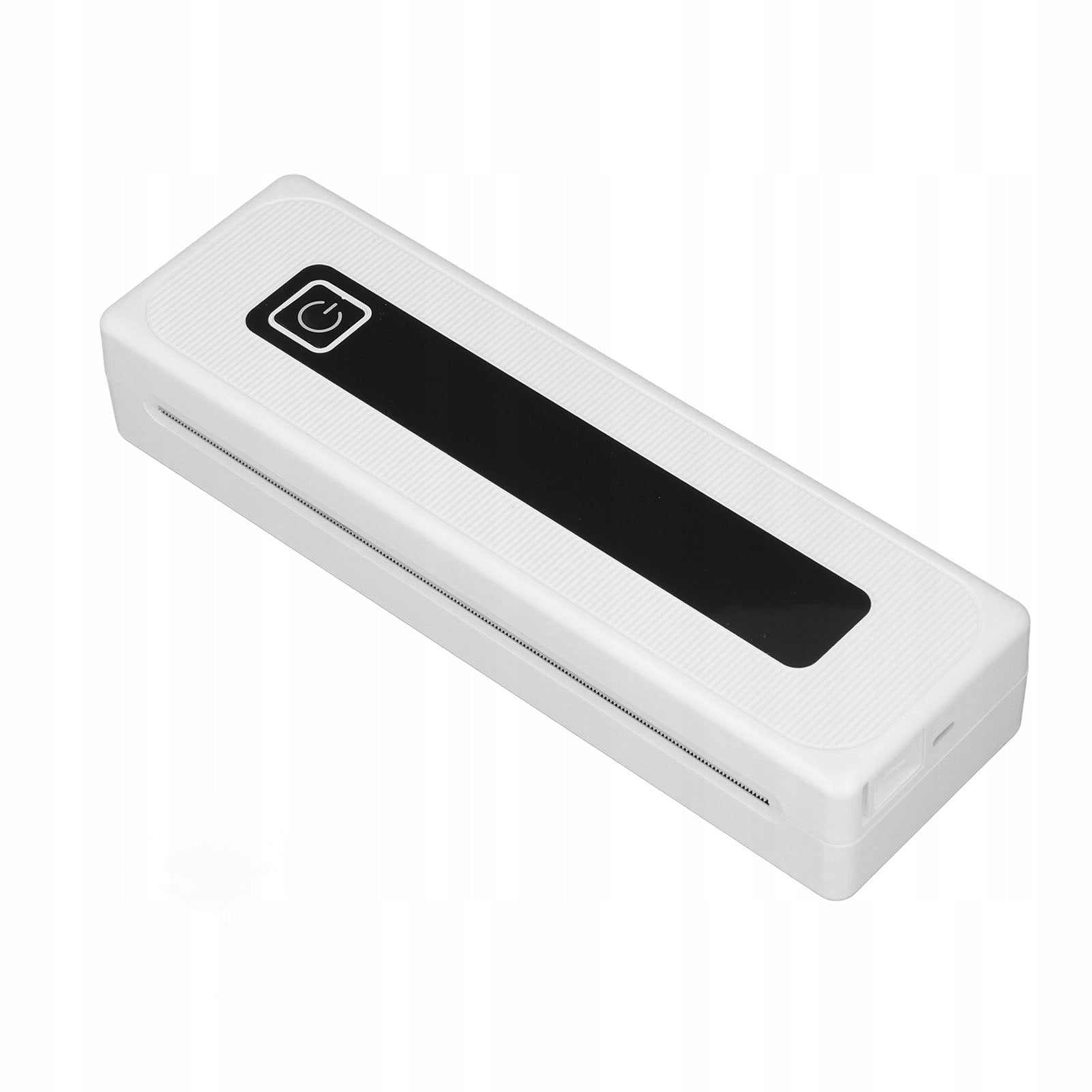
Prekė: Nešiojamas belaidis Bluetooth terminis spausdintuvas O9. Kategorija: Rašaliniai ir lazeriniai spausdintuvai.
- Gamintojas: no brand
- Modelis: 9917QRXP
Function:
1. Multifunctional: This ink-free mobile printer is multifunctional and can be used to print receipts, contracts, photos, photos, magazines, DIY, greeting cards, study notes, lists, labels, long banners, coloring, card recognition, learning to learn or other games and more.
2. Built-in 2000mAh Battery: This thermal printer has a built-in 2000mAh battery that can be fully charged in about 1,5 hours, prints 90 sheets of A4 thermal paper continuously, and automatically turns off when not in use for 30 minutes, and standby time can be up to 30 days.
3. Good Compatibility: This portable ink-free printer is compatible with iOS and Android phones (via Bluetooth), connects via Bluetooth, downloads the iprint app and prints anytime, anywhere, at 200 dpi resolution.
4. Multiple Paper Sizes Supported: This Bluetooth thermal printer supports 2,24 inch (57mm), 3,15 inch (80mm), 4,41 inch (112mm), A4 and 8,5 inch x 11 inch letter paper.
5. Wide Application: This wireless thermal printer uses advanced thermal technology, it is compact and portable, with a wide range of applications, ideal for offices, schools, business travel and home use.
Specification:
- Item Type: Thermal Printer
- Material: ABS
- Connection: Bluetooth 4.0 or later
- Supported system: for iprint app supporting Android, iOS (incompatible with computer)
- Printing Resolution: 200 dpi
- Battery capacity: 1 x 2000 mAh Lithium battery (included)
- Automatic shutdown: 30 min
- Charging time: approx. 1,5 hours
- Charging Port: Type C
- Continuous printing time: 90 sheets of A4 thermal paper
- Printing speed: 10 mm/s
How to use:
- 1. Download the app for iprint from the app store by searching for the iprint app for both Android and IOS users.
- 2. After installing and opening the app on the connected device, turn on Bluetooth on your phone. Open the app and click Select Device at the top. Go to My Devices and click the Bluetooth name starting with GT08 to connect to the internal Bluetooth module. If Bluetooth does not appear after entering the data, click the refresh button and try again.
List of packages:
- 1 x Thermal Printer
- 1 x USB cable
- 1 x Manual
- 1 roll x thermal paper (built-in)
Specifications
| Group | Name | Value |
|---|---|---|
| Parametry | Condition | new |
| Parametry | Invoice | Without VAT invoice |
| Parametry | Manufacturer code | AG251209008088 |
| Parametry | Brand | no brand |
| Parametry | Model | 9917QRXP |
| Parametry | Type | multifunction printer |
| Parametry | EAN (GTIN) | 766700267968 |
| Parametry | Printing technology | other |
| Parametry | Maximum paper format | other |
| Parametry | Communications | Wi-Fi |
| Parametry | Ports | none |