
Lieferzeit in ganz Litauen: 5-10 Werktage
Lieferpreis an die angegebene Adresse: 3 Euro
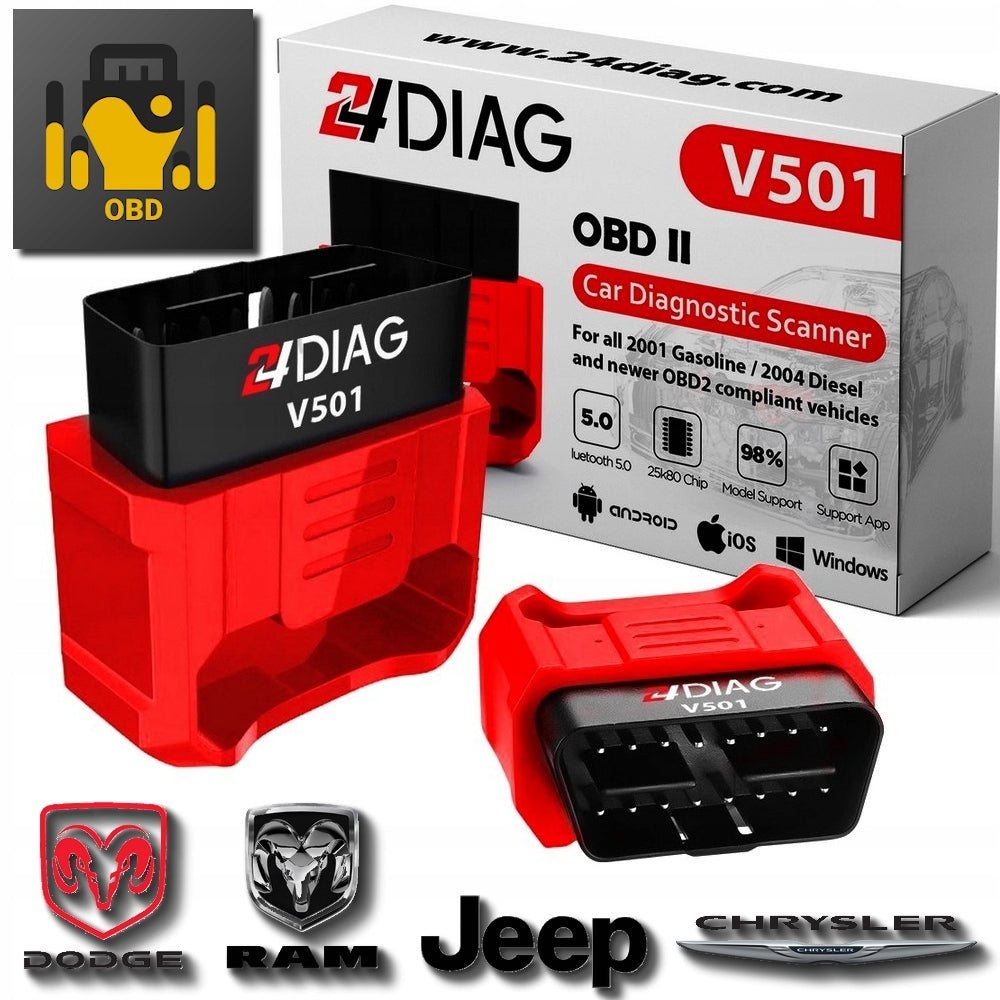


Trumpai apie prekę
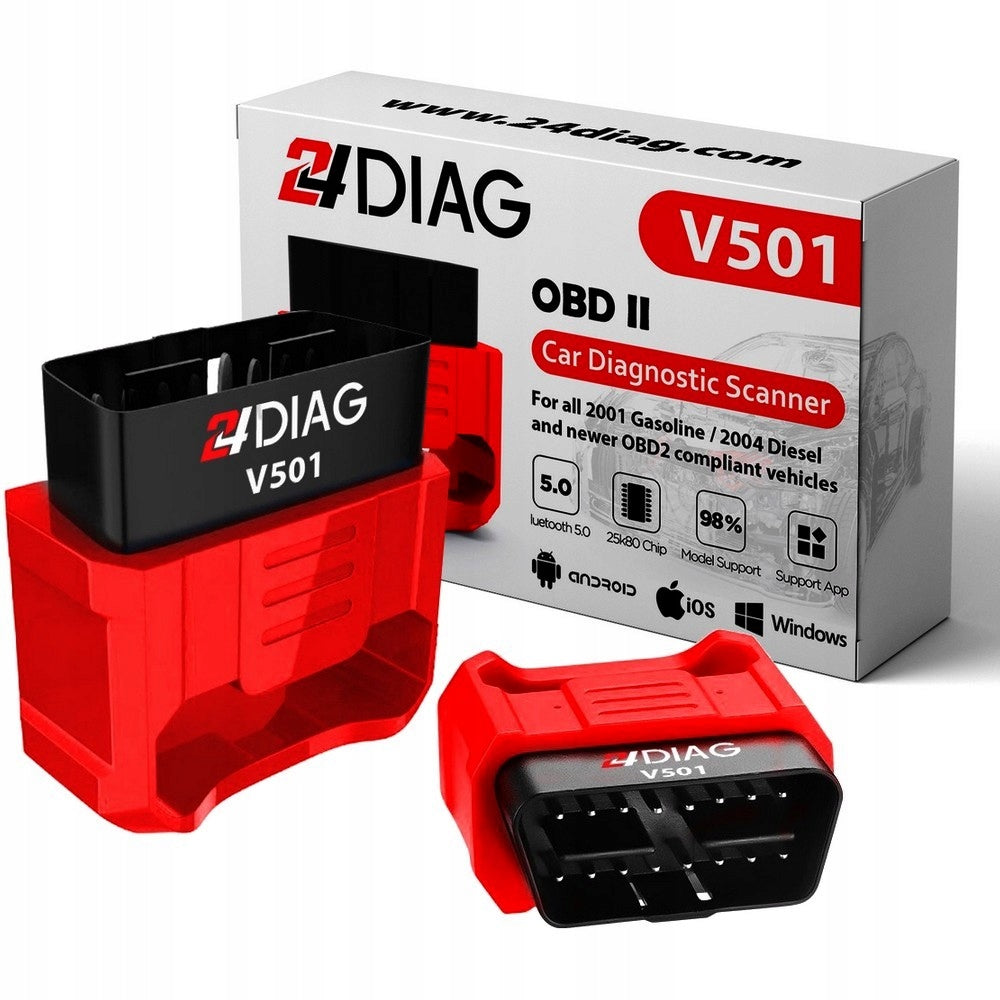
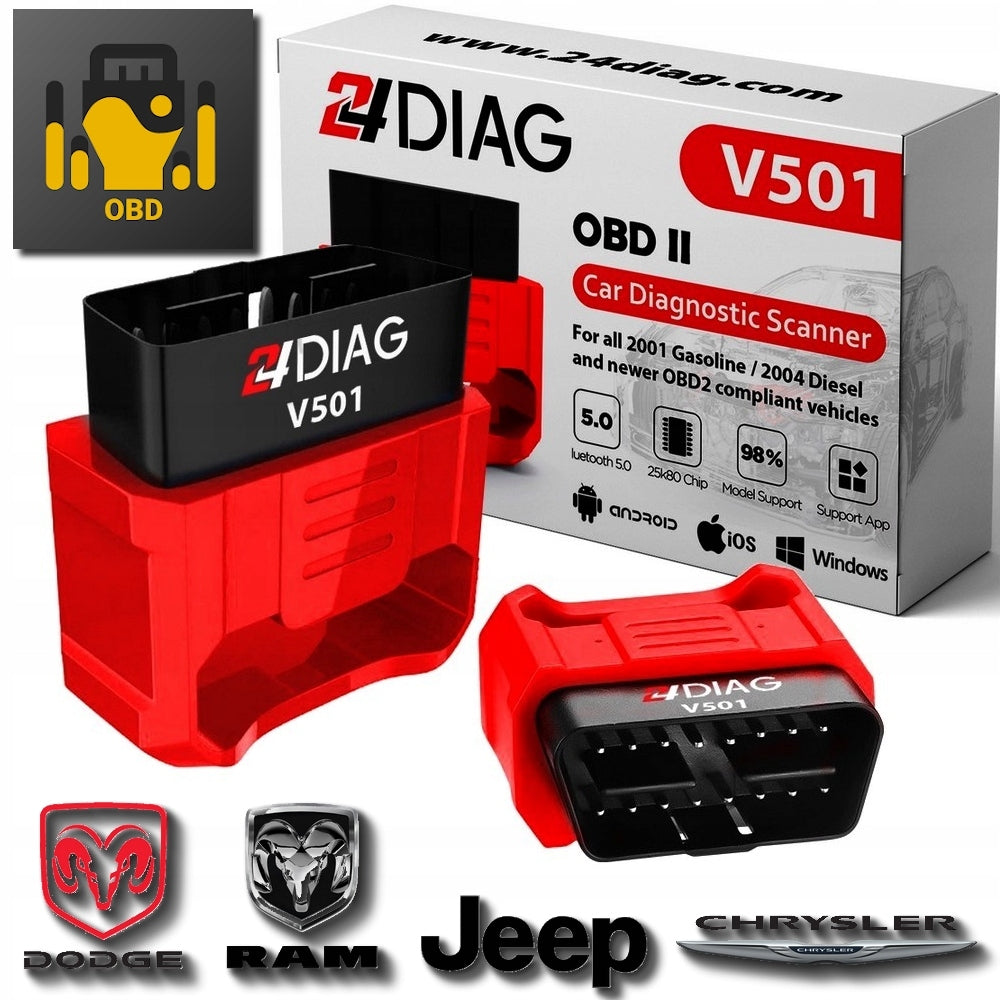
Prekė: Diagnostinis OBD2 skeneris Jscan Jeep Dodge Chrysler Ram. Kategorija: Diagnostikos testeriai ir sąsajos.
- Gamintojas: 24Diag
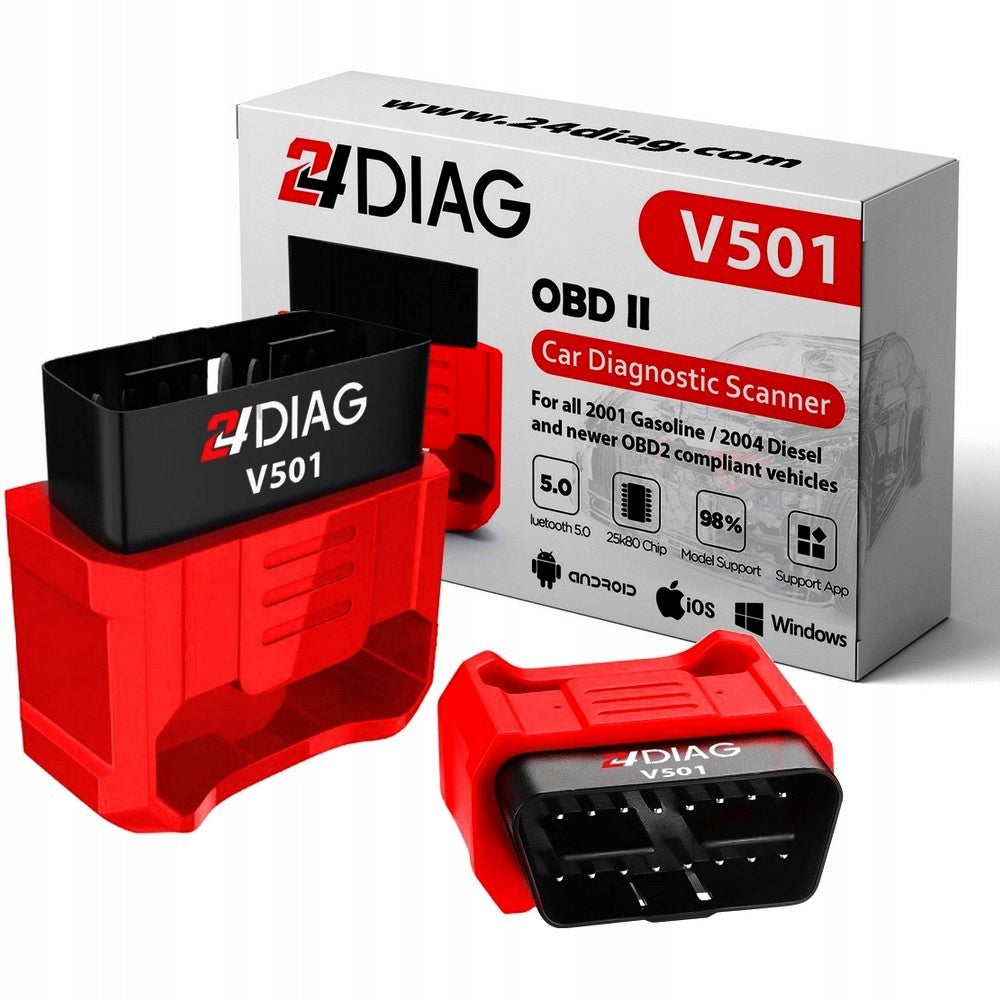
- Modelis: V501
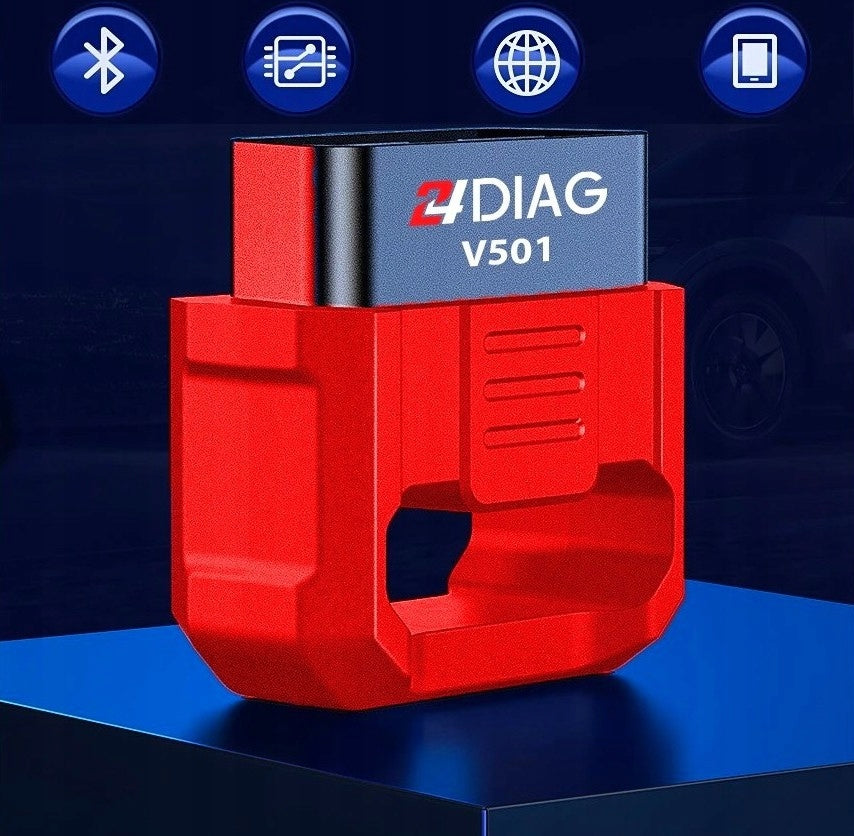
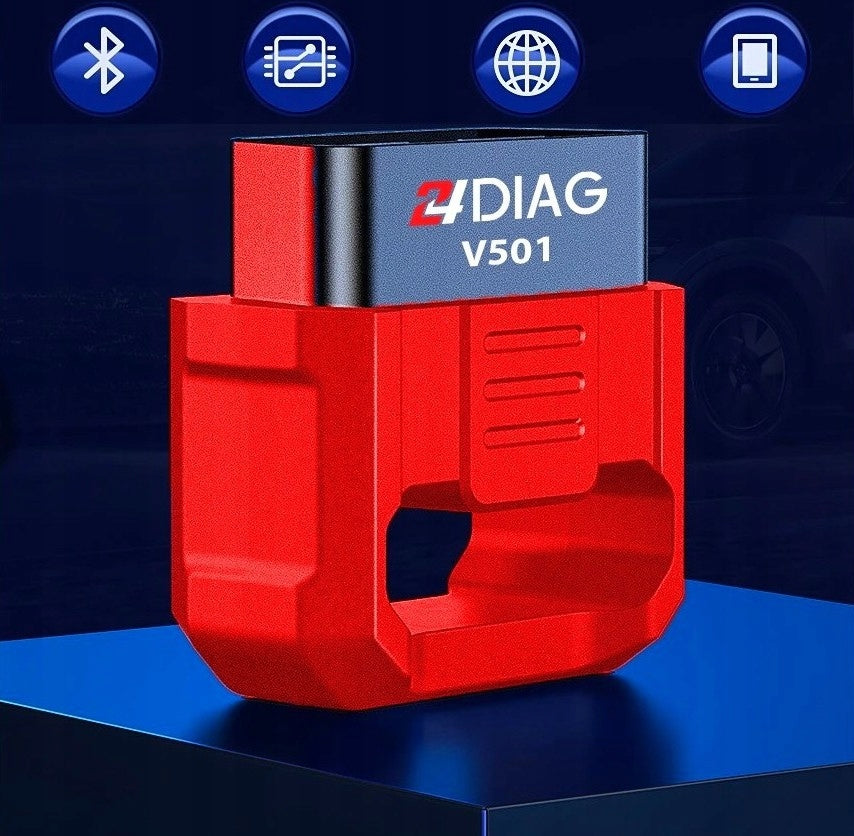
24DIAG V501 Diagnostic Interface for JScan Android / iOS
Advanced diagnostics, adaptations and coding for Jeep, Dodge, Chrysler, RAM.
JScan - application for Android and iOS (Apple) smartphones / tablets, designed for advanced diagnostics of selected Jeep, Dodge, Chrysler and RAM models.
Supported Models:
Please be sure to note that a 12 + 8pin adapter (not included) proves necessary for the FCA Group to access 80% of 2018 and 100% of 2019 models.
Adapter available on our other auctions.
The Security Gateway module (SGM / SGW) is a factory protection in FCA group cars, which limits diagnostic inquiries only to read, e.g. information about the controller, current parameters or fault codes.
With the help of the adapter you gain access to advanced diagnostic commands blocked by SGM / SGW, such as:
- Erase fault codes,
- Launching actuator tests,
- Launching adaptation and coding.
The location of the SGM / SGW varies, but is most often located in the passenger side panel - near the glove compartment or behind the radio. It can also be located on the rear of the fuse box . It is best to check it before buying by entering in the search engine: Vehicle model + SGW bypass.
More on this subject available here:
http://jscan.net/jl-jt-security-bypass/
http://jscan.net/fca-security-gateway-module-basic-info-and-location/
With the OBD2 Bluetooth 24DIAG V501 interface, the JScan application allows you to read and erase errors - from all modules in the vehicle , e.g. ABS, Steering, Transmission, Radio, HVAC, Stabilizers, etc.
This means the possibility of deep diagnostics (especially important for workshops and DIY enthusiasts), and not just reading data from the ECU module as in universal free applications.
Possibility to perform adaptation and coding (eg. daytime running lights, reversing camera on).
The JScan application also allows you to view live data (" Live Data "), read the vehicle's VIN number, part numbers and much more.
You can check the full capabilities of the application for a given vehicle model here: http://jscan.net
Hardware requirements:
- OBD II socket in the car
- smartphone, tablet, laptop or other device with a bluetooth module and Android/iOS/Windows operating system
The connection of the JScan App to the 24DIAG V501 Interface and the vehicle can be checked for free.
Using the full functionality of the application requires the purchase of a paid license . In our opinion, the price of the software is very attractive in relation to its capabilities.
More details (eg. prices of individual licenses) in the launched JScan application on the smartphone.
The application in English is very intuitive and easy to use.
We download the application from the Google Play store (Android smartphones):
https://play.google.com/store/apps/details?id=net.clever.obd4u&hl=pl&gl=US
or from the AppStore (iPhone, iPad with iOS):
https://apps.apple.com/pl/app/obd-jscan/id1445903514?l=pl
Set contains:
- 24DIAG V501 Diagnostic Interface
- Box
- Paper instruction in Polish
Not included:
- paid OBD Jscan license
- 12 + 8pin SGW adapter
Supported Protocols:
- 1 . SAE J1850 PWM (41.6Kbaud)
- 2. SAE J1850 VPW (10.4Kbaud)
- 3. ISO9141-2 (5 initial bytes, 10.4Kbaud)
- 4. ISO14230-4 KWP (5 bit, 10.4 Kbaud)
- 5. ISO14230-4 KWP (fast init, 10.4 Kbaud)
- 6. ISO15765-4 CAN (11-bit ID, 500 Kbaud)
- 7 . ISO15765-4 CAN (29-bit ID, 500 Kbaud)
- 8. ISO15765-4 CAN (11-bit ID, 250 Kbaud)
- 9. ISO15765-4 CAN (29-bit identifier, 250 Kbaud)
- A.SAE J1939 CAN (29 bit ID, 250*Kbaud)
- B.USER1 CAN (11*bit ID, 125*Kbaud)
- C.USER2 CAN (11 * bit ID, 50 * kbaud)
How to connect to the interface / controller in the vehicle?
- Install a free application from the Google Play Store, iStore on Android, iOS or laptop .
- Connect the interface to the OBD II socket.
- We turn on Bluetooth in the phone, set the visibility and search for a device named 24DIAG on the list
- We connect with him by entering the standard code 1234 . Only after this step we turn on the application.
- In the installed application, in the settings, select the type of connection to Bluetooth and indicate the paired 24DIAG interface.
- We go to the connection with the vehicle controller (ignition on, engine running).
Additional features:
- Bluetooth 5.0 stable.
- If left in the OBD2 socket, it will not discharge the battery. Very low power consumption.
Screenshots of work on the OBD Jscan application:
Specifications
| Group | Name | Value |
|---|---|---|
| Parametry | Condition | new |
| Parametry | Invoice | With VAT invoice |
| Parametry | Brand | 24Diag |
| Parametry | Product weight with unit packaging | 0.08 kg |
| Parametry | EAN (GTIN) | 5904954301778 |
| Parametry | Manufacturer code | V501 |