
Pristatymo terminas kiekvienai prekei nurodomas prie kainos bloko.
Pristatymas visoje Lietuvoje: nemokamas.


Trumpai apie prekę
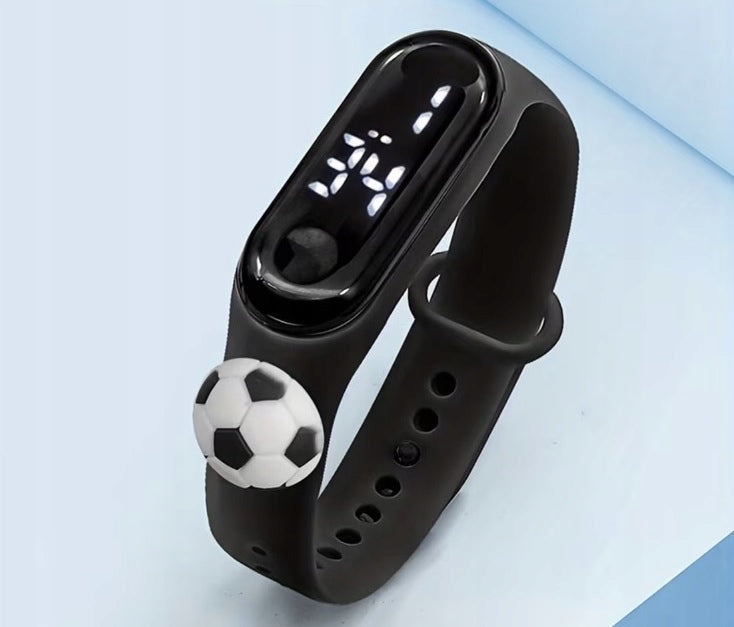
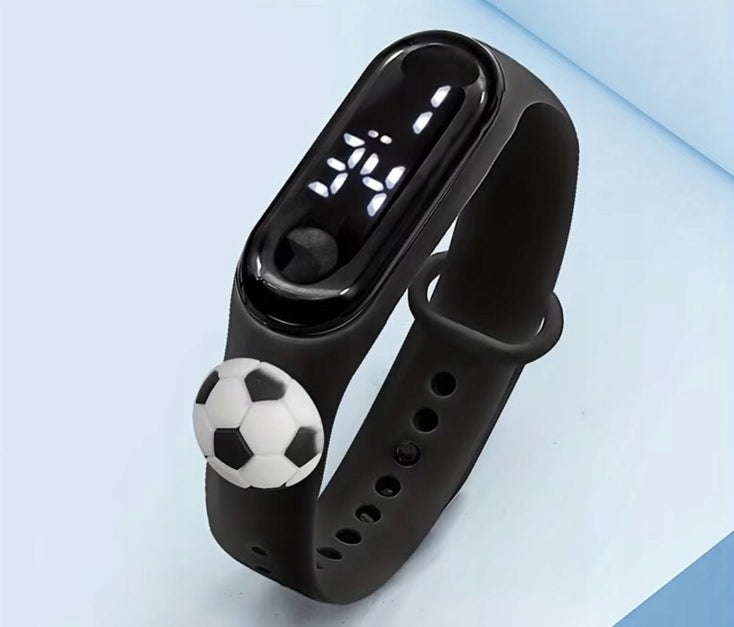
Prekė: Vaikiškas LED laikrodis su futbolo piešiniu, juodas. Kategorija: Vaikams.
- Gamintojas: no brand
- Modelis: Piłka
- Spalva: black
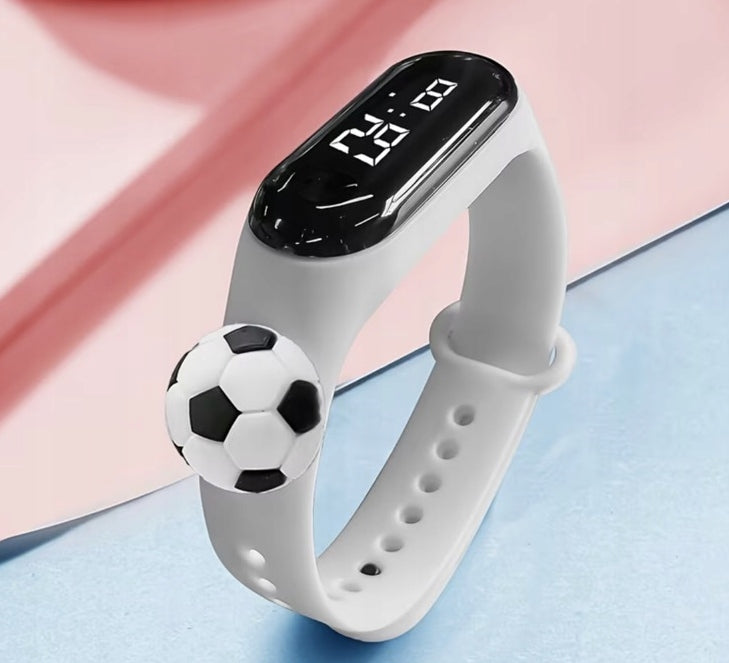
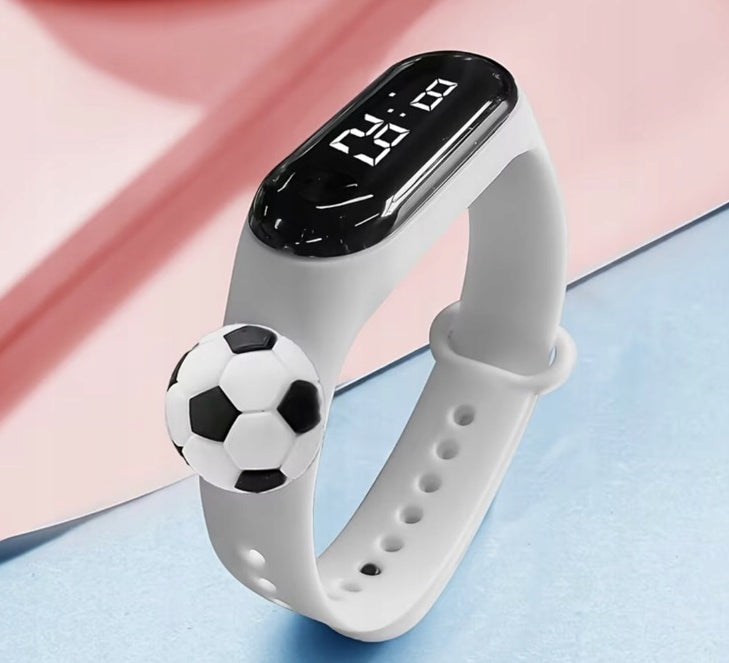
Ideal LOOK Children's LED watch with cartoon football motif
Colorful children's watch with cartoon style and digital LED display. This is a fun everyday watch for kids, available in many colors and a lightweight, gift-friendly design.
- Electronic children's watch with digital LED display
- Cartoon, colorful and kid-friendly
- Suitable for children, as a gift and for everyday wear
- Colours: black.
Cartoon LED children's watch with football theme, with bright digital display and colorful design. A simple, fun watch for children.
Features:
Simply click on the screen and easily adjust the time. Made of high quality materials, it is lightweight, comfortable, environmentally friendly and healthy.
The size fits your wrist and can be adjusted to fit different lengths, so you never have to worry about it being too long or too small.
LED display time, year, month, day, second
Systems, operations and design styles make your life unique.
Power saving mode: no operation within 3 seconds, the display will turn off automatically
Setting the time:
①. When the indicator light is on, tap the screen for 3 seconds to go to the time format. Press and hold for 3 seconds and the “clock” number will flash. When the “clock” number starts flashing, release the screen, display it again, adjust the current value, and adjust the clock.
② Continue on the screen for 3 seconds and the “minute” will flash. When the “minute” flashes, release the screen, restart the screen, adjust the current value and after adjusting the minutes
③. Press and hold the screen for 3 seconds and the number “Y00” (Y per year) will flash. Release the screen, screen and adjust the current value. Year of adjustment
④. Continue to display the screen for 3 seconds and the “month” will flash. When the number “month” starts flashing, release the screen and the screen will adjust the current value. After setting the month
⑤. On the screen for 3 seconds will flash "Date". . When the “Date” number starts flashing, release the screen and the screen will display debugging of the current value. Once the date debugging is complete, stop the operation and finish the project settings within 5 seconds to enter the time interface.
Tips: When debugging time, minutes, year. After setting the first function, press and hold for 3 seconds to continue debugging the function. Do not let go of your hand for too long, otherwise the start screen will appear and you will have to adjust it again.
Specifications
| Group | Name | Value |
|---|---|---|
| Parametry | Condition | new |
| Parametry | Invoice | With VAT invoice |
| Parametry | Brand | no brand |
| Parametry | Kind | digital |
| Parametry | Mechanism | automatic |
| Parametry | Strap material | synthetic material |
| Parametry | Case shape | square |
| Parametry | Waterproofness | poniżej 20m = WR20 |
| Parametry | Crystal | acrylic |
| Parametry | Color | black |
| Parametry | Model | Piłka |
| Parametry | EAN (GTIN) | 5908102367944 |
| Parametry | Certificates of conformity | CE |
| Parametry | Batteries included | yes |
| Parametry | Functions | none,waterproof |