
Pristatymo terminas kiekvienai prekei nurodomas prie kainos bloko.
Pristatymas visoje Lietuvoje: nemokamas.
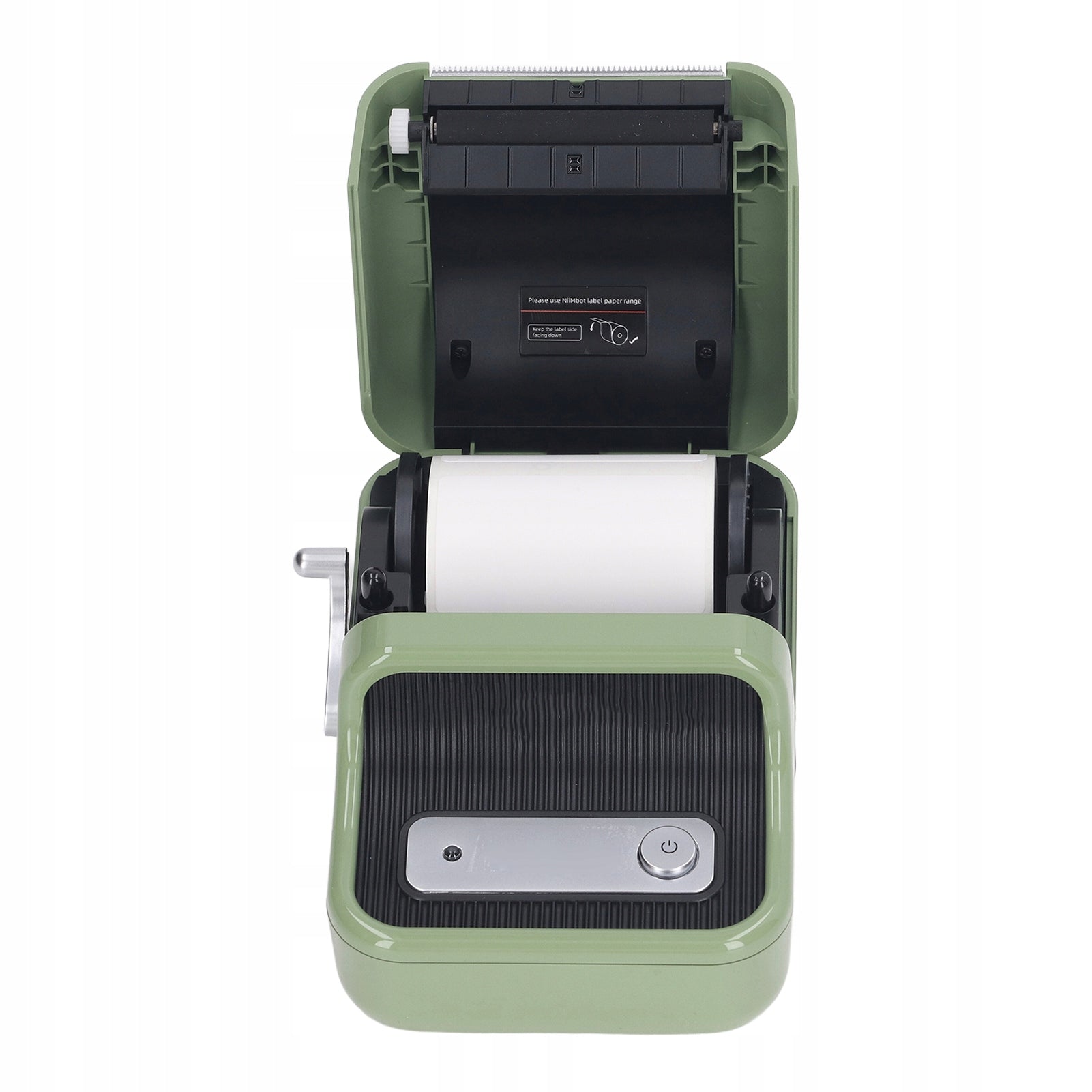
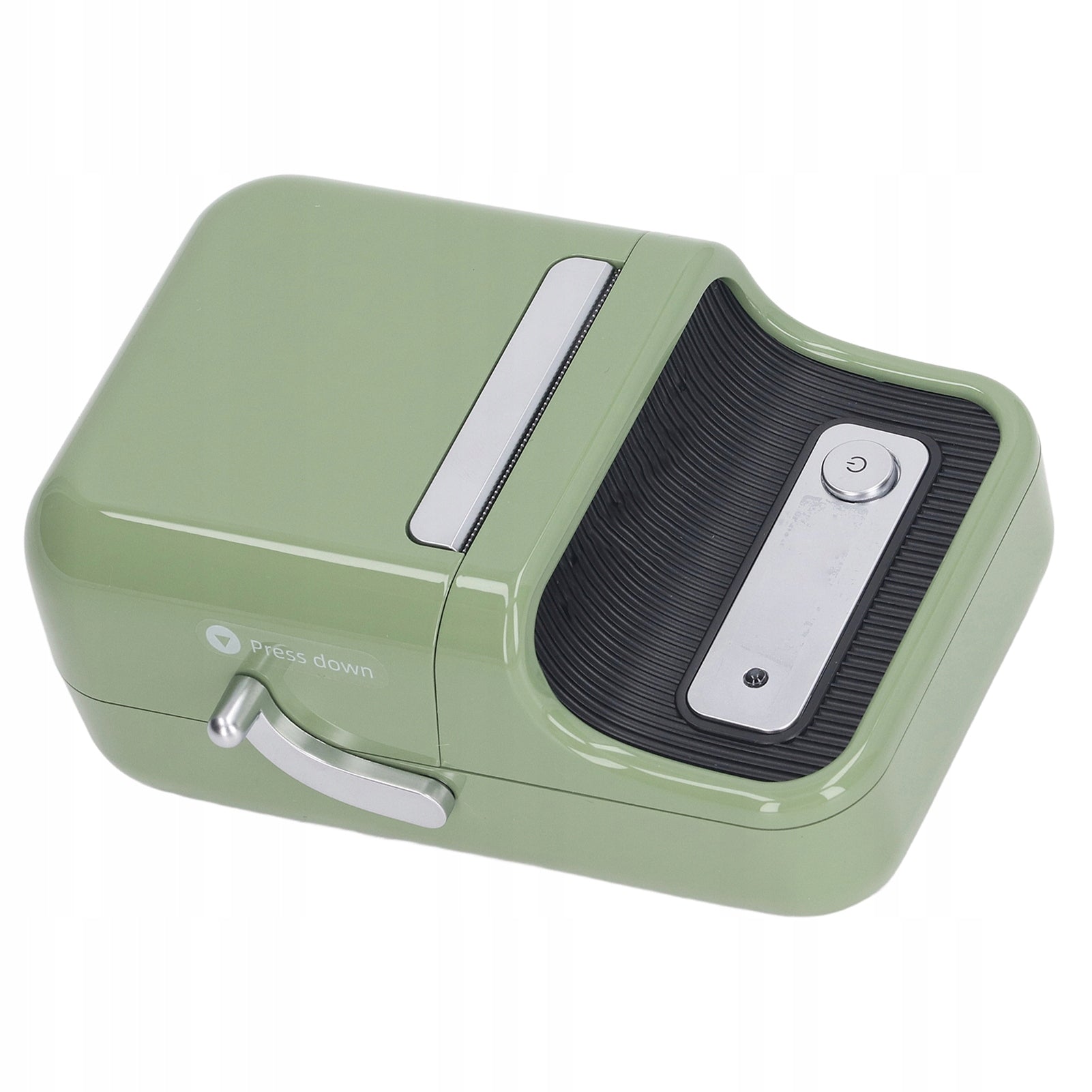
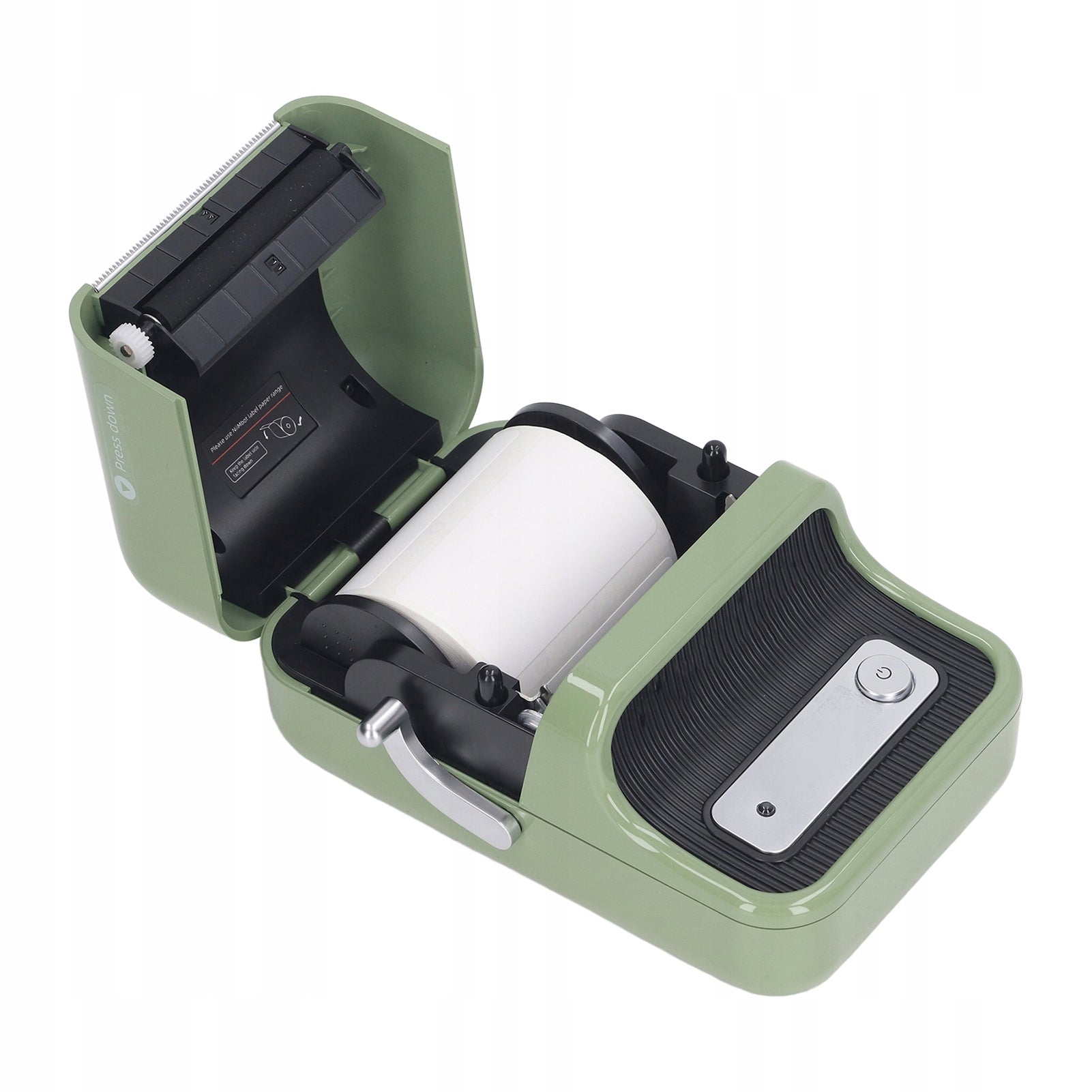
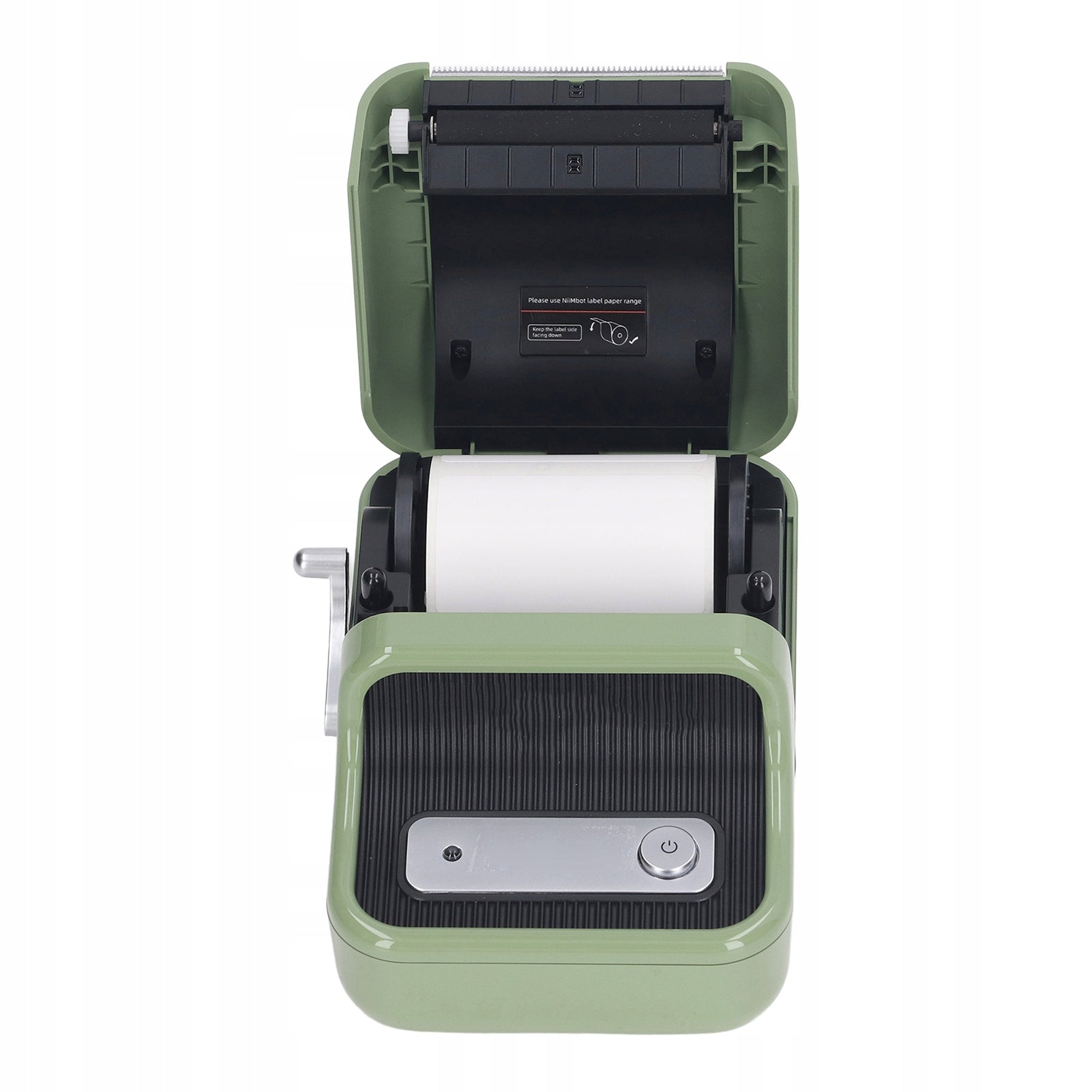


Trumpai apie prekę
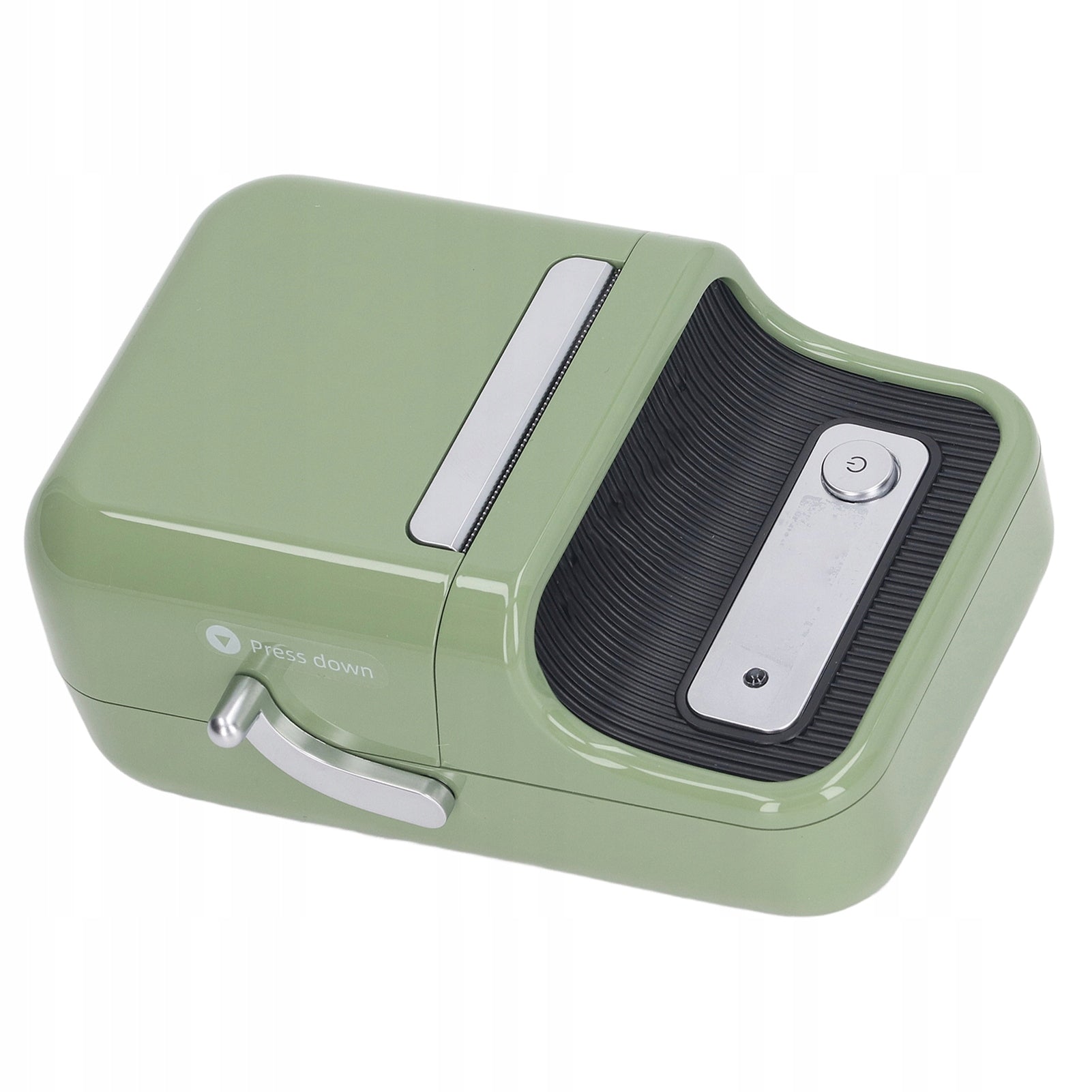
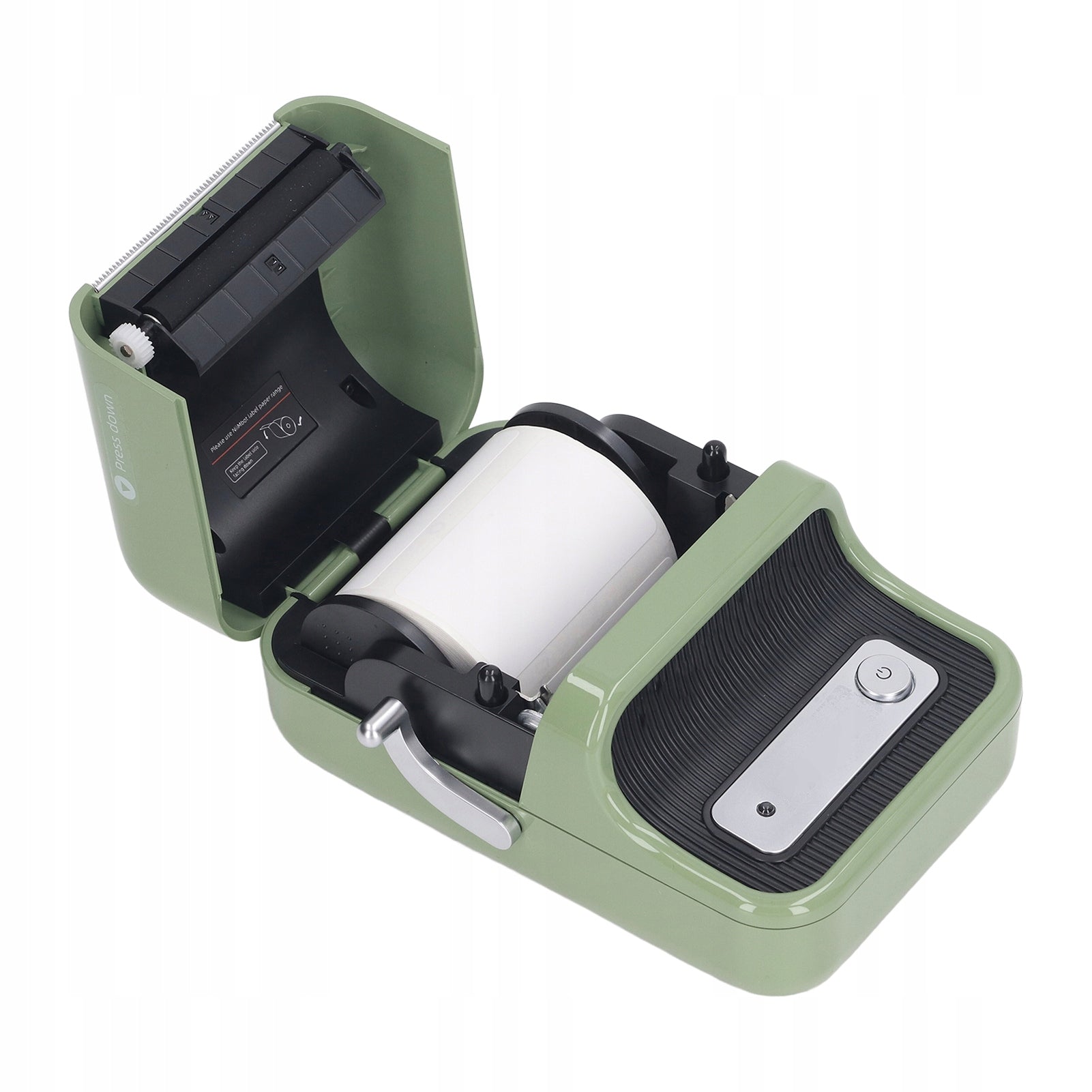
Prekė: Terminis etikečių spausdintuvas 5V 2A su automatiniu išsijungimu. Kategorija: Rašaliniai ir lazeriniai spausdintuvai.
- Gamintojas: no brand
- Modelis: 0626QQVQ
Function:1. EASY TO USE: The B21 Bluetooth label printer is compatible with Android and iOS devices. Install the app for NIIMBOT from the App Store and Google Play, open the B21 label printer and open the Bluetooth connection. Select and connect your B21 printer model from the app for NIIMBOT and enjoy printing.
2. APPLICABLE SCENARIOS: This label printer is the perfect tool for supermarkets, shops, clothing stores, jewelry stores, small business owners, offices and home organizations.
3. MULTIFUNCTIONAL: This printer provides NIIMBOT application features such as automatic template matching, image recognition and batch printing, as well as more than 20 fonts and thousands of graphic materials.
4. ABS MATERIAL: Made of premium ABS material, this printer has a retro look, is wear and scratch resistant, and has a long lifespan.
5. AUTOMATIC SHUTDOWN: The label printer will turn off automatically after 15 minutes of pause to save energy.
Specification: Item Type: Wireless Thermal Label Printer
Model: B21
Material: ABS
Voltage: 5 V 1 A
Battery: 3,7V 18650 x 1 1500mAh Lithium battery (supplied with built-in battery)
Printing Method: Thermal Printing
Resolution: 203 dpi
Connect computer: USB (requires driver installation)
Features:
Wireless design for long distances
Print directly, without ink, toner and tape.
Supports all major label formats: price, date, size, weight, name, etc.
Widely used and easy to use.
Small and lightweight, convenient to carry.
Roll paper: approx. 55 x 45 mm / 2,17 x 1,77 inches
Suitable label width: approx. 0,8 to 2 inches / 2,03 to 5,08 cm
Size: approx. 13x9,4x6 cm / 5,1x3,7x2,4 inch
How to use:1. Use a USB connection or Bluetooth app connection. For detailed information, please refer to the instructions.2. If you cannot recognize the transparent label, follow the steps below.Open the app, click it, my device, paper authentication, transparent, and then restart the label printer
Package List:1 x Printer
1 x Roll Paper
1 x Data Cable
1 x Manual
Specifications
| Group | Name | Value |
|---|---|---|
| Parametry | Condition | new |
| Parametry | Invoice | Without VAT invoice |
| Parametry | Manufacturer code | AG251021242467 |
| Parametry | Brand | no brand |
| Parametry | Model | 0626QQVQ |
| Parametry | Type | multifunction printer |
| Parametry | EAN (GTIN) | 0695664997317 |
| Parametry | Printing technology | other |
| Parametry | Maximum paper format | other |
| Parametry | Communications | Wi-Fi |
| Parametry | Ports | none |