
Pristatymo terminas kiekvienai prekei nurodomas prie kainos bloko.
Pristatymas visoje Lietuvoje: nemokamas.


Trumpai apie prekę
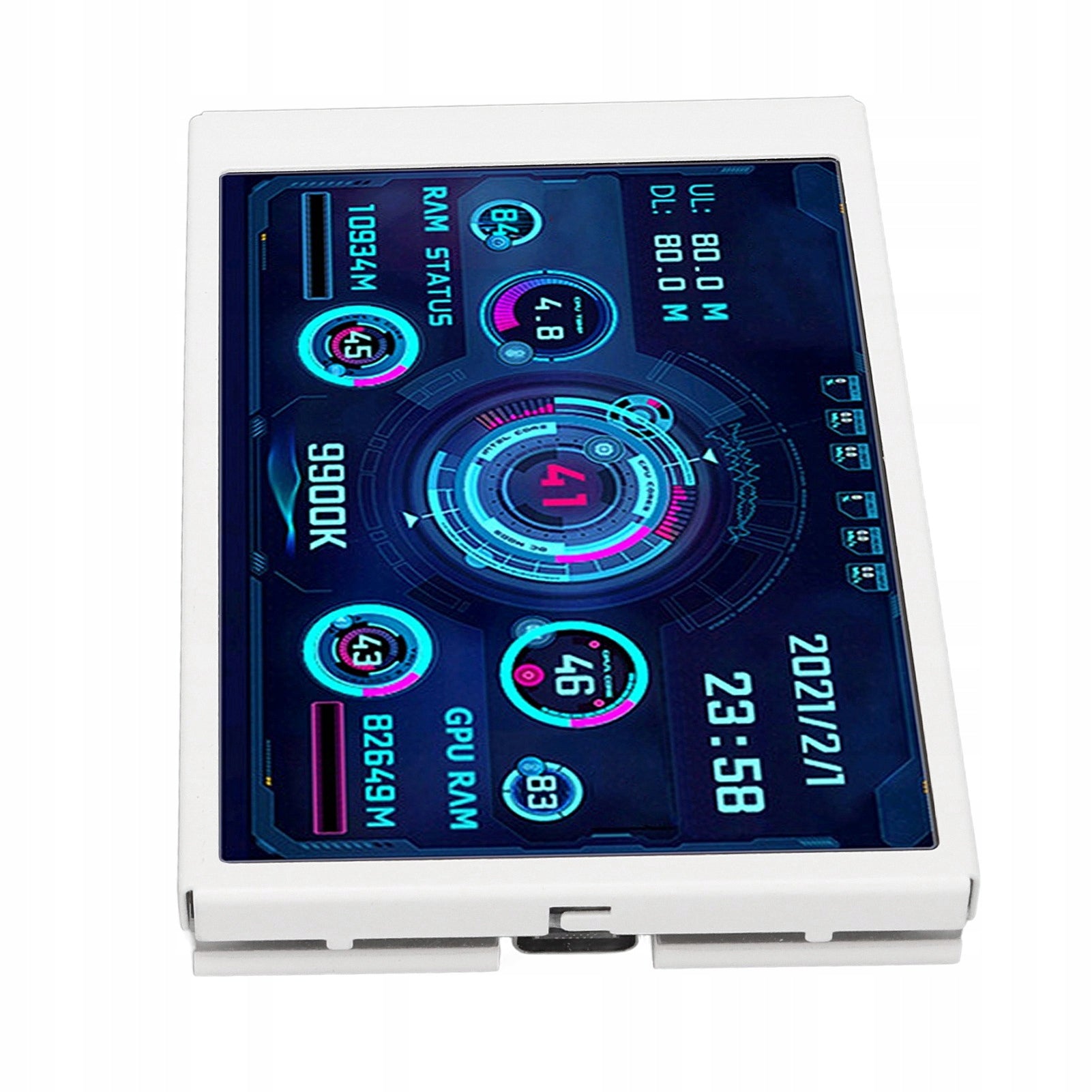
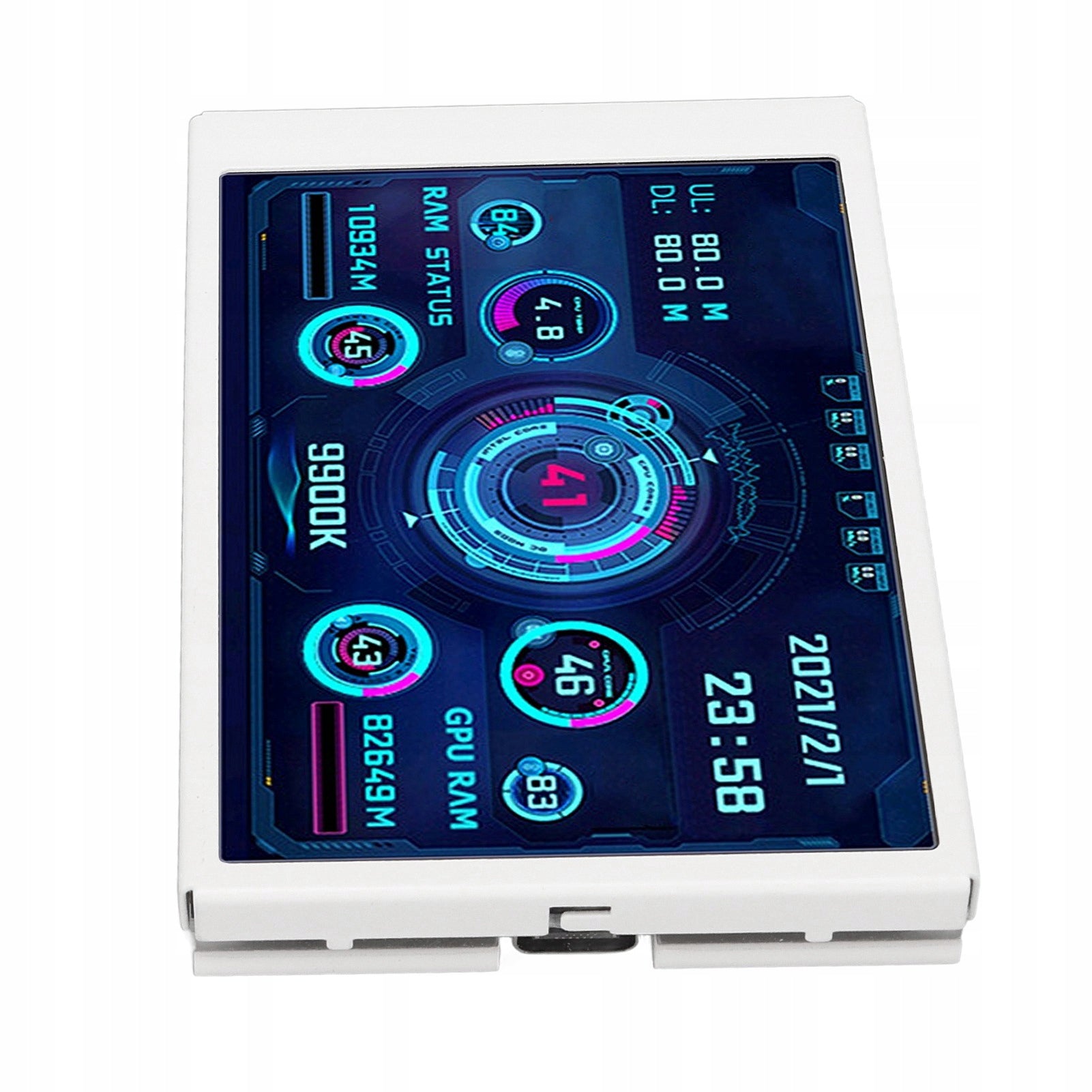
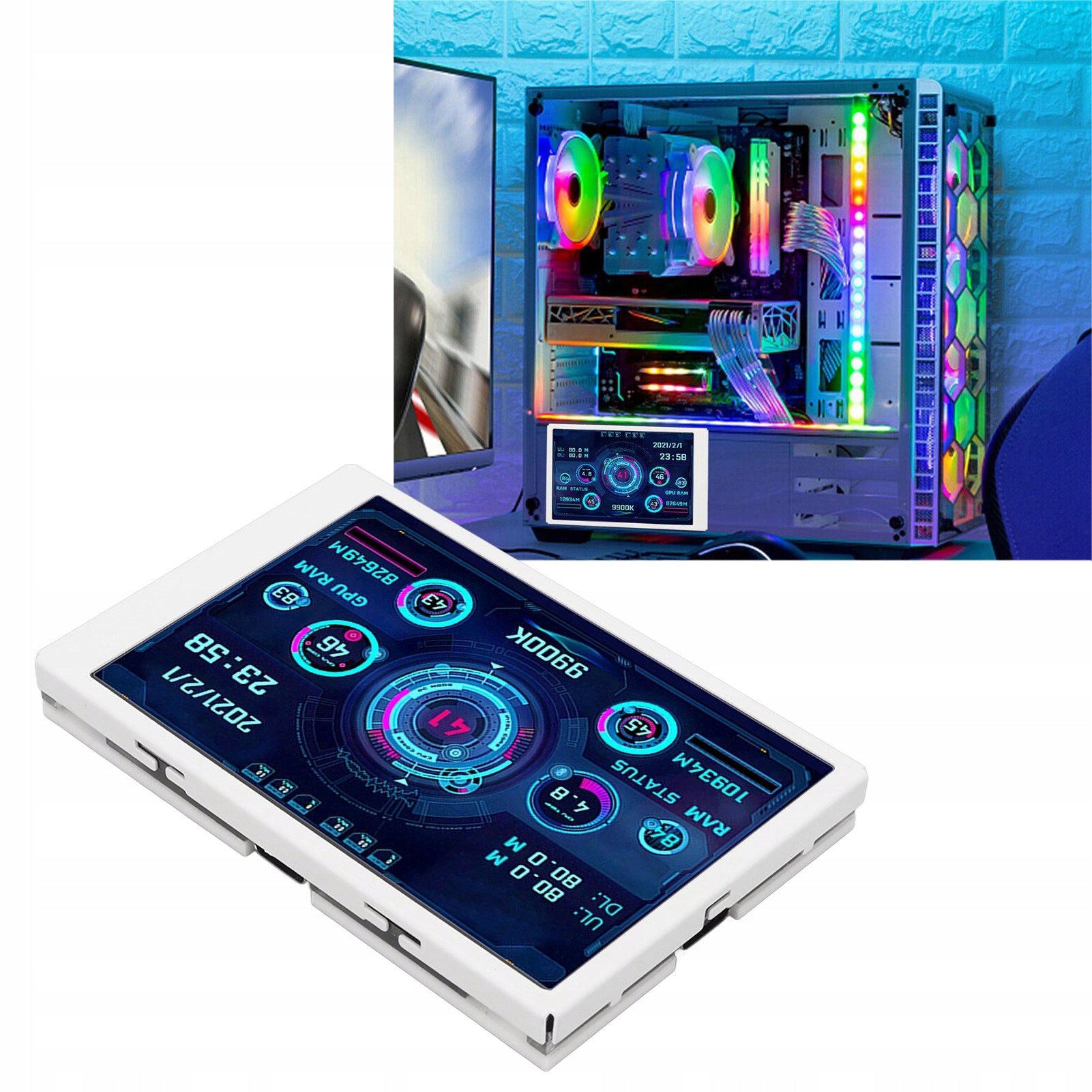
Prekė: Papildomas 3.5'' IPS USB C monitorius 320x480 CPU AIDA64. Kategorija: Monitoriai.
- Gamintojas: no brand
- Modelis: 2612220406311
- Spalva: white
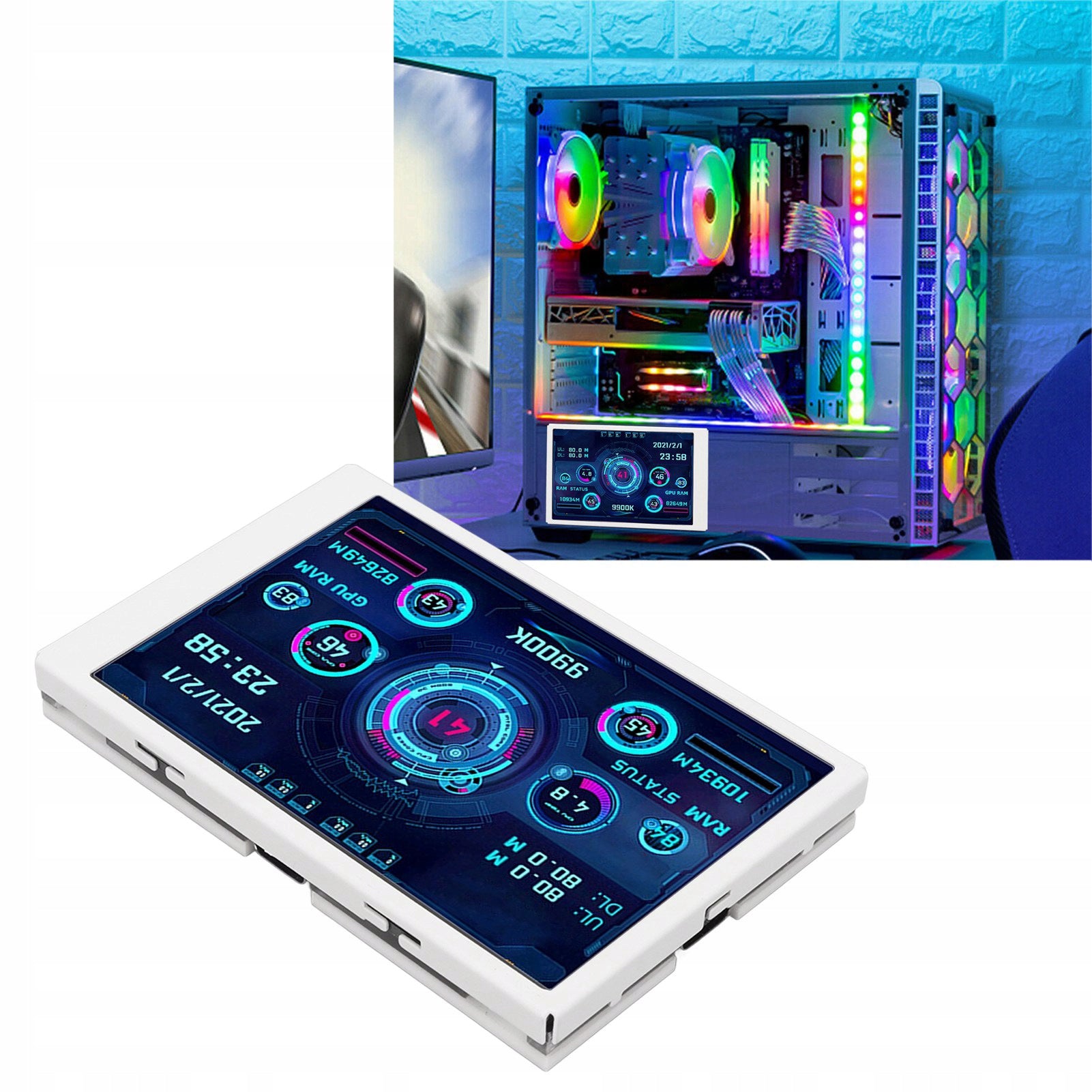
✅ 3,5-inch additional IPS screen for a computer, laptop or notebook whose task is to monitor the PC system AIDA64.
- High performance: small computer sub screen 3.5 inch screen resolution: 320x480
- Interface: USB TYPEC
- Perspective: Full IPS view
✅Product Features:
- 3,5 inch IPS screen for clear picture
- It can display data on CPU usage, graphics card, RAM, temperature, internet speed, date, time, volume level, weather forecast and more
- Possibility of placing it inside or outside the housing
- No additional power supply and HDMI required (USB data cable is enough)
- Stepless brightness adjustment
- Automatic shutdown screen
- Energy-efficient
- Built-in multiple themes to choose from
- Compact size
- Eye protection: The computer temperature display automatically turns off when turned off, eye protection and convenient stepless brightness adjustment.
✅How to use the screen
- Connect the mini screen to your computer
- Run Custom Software
There is no need for AIDA 64 or any other settings.
✅Type of content displayed
The screen can only display content that is specified by customized software.
✅Specification:
- Matrix Type: IPS
- Screen diagonal: 3,5"
- Resolution: 320x480
- Viewing Angle: Full
- Interface: USB Type-C
- Material: Metal
- Color: White
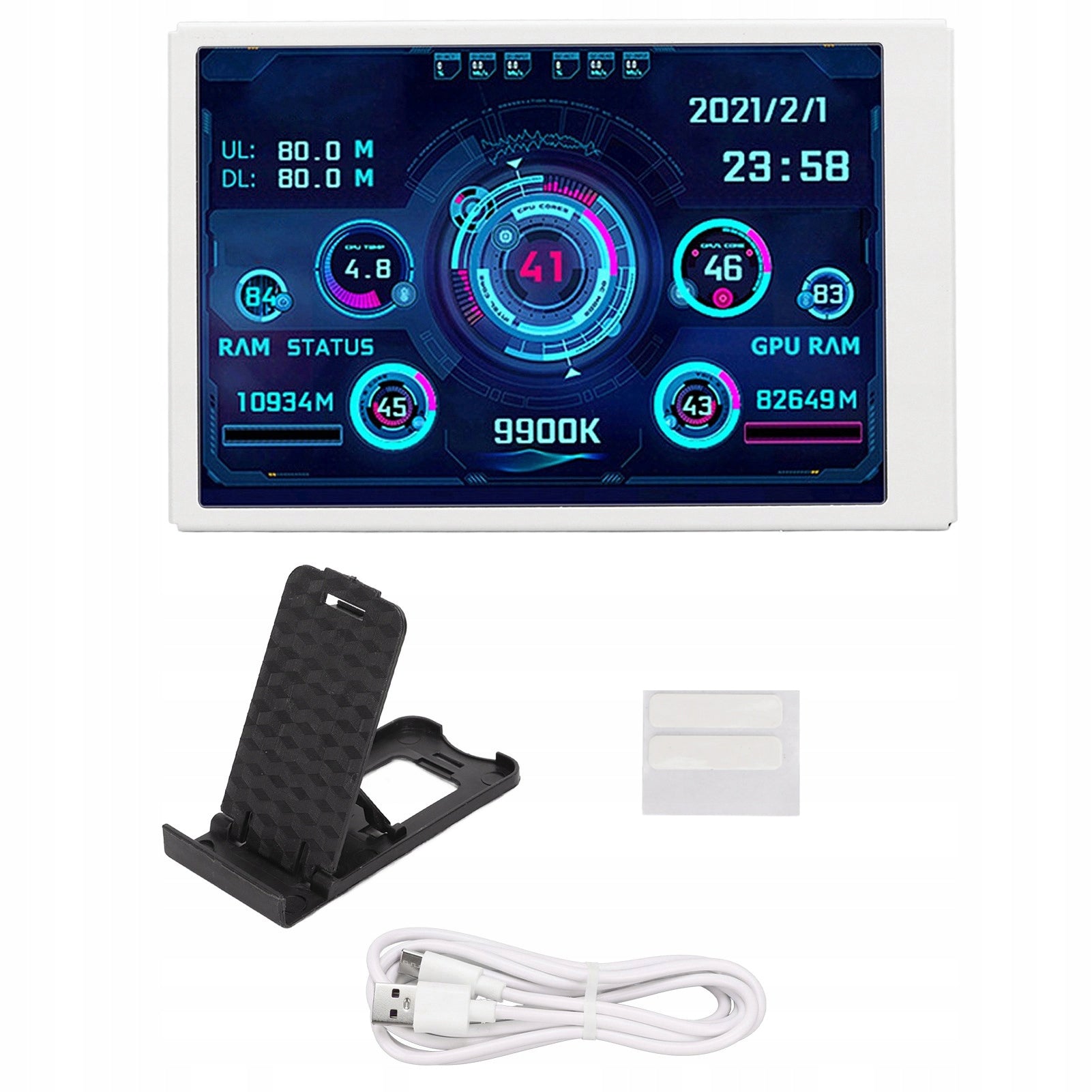
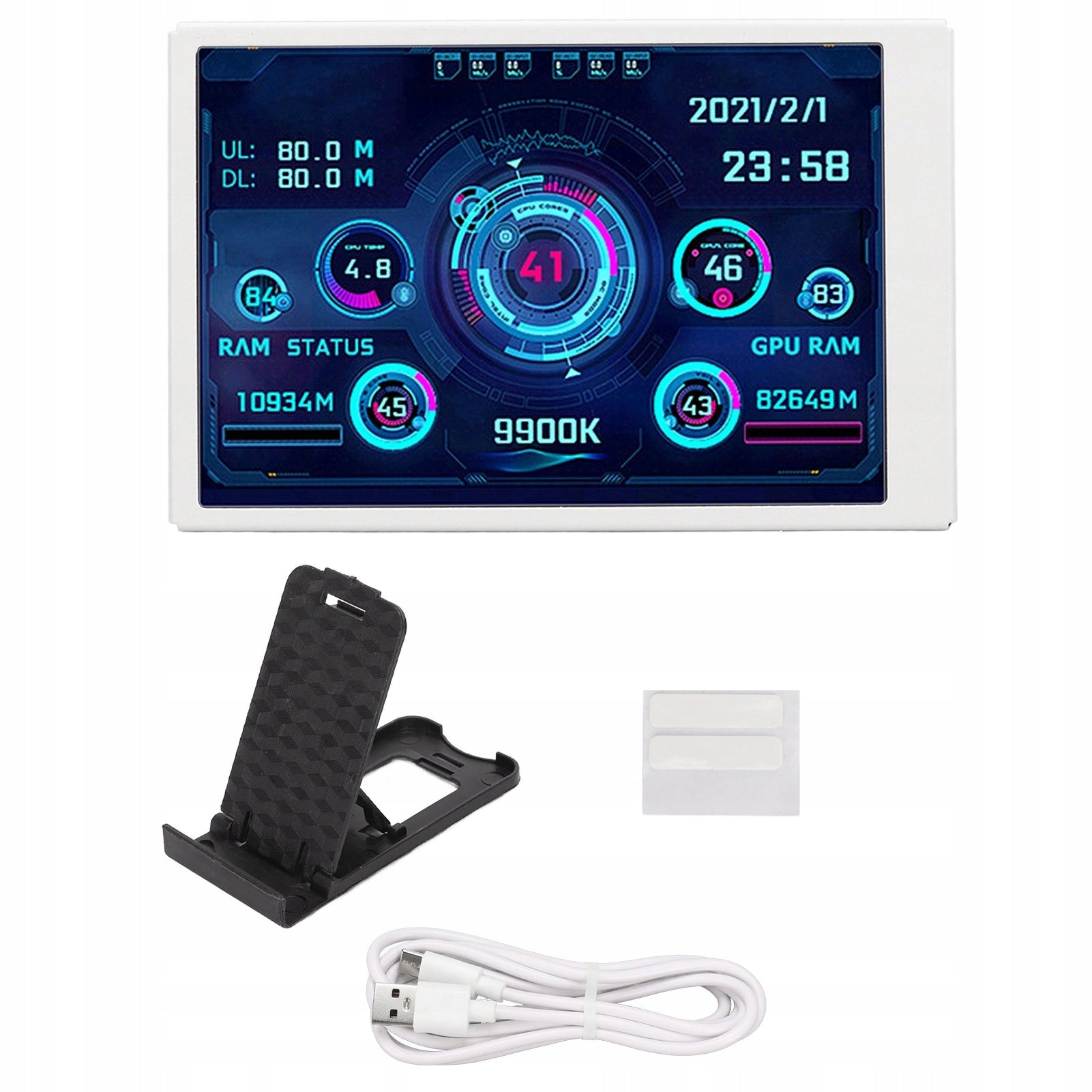
✅Pack contains:
- 1 x Display Screen
- 1 x Stand
- 1 x Type-C Connection Cable
- 1 x Sticker
- 1 x User Manual
⚡⚡⚡Notes
- ✅1. This product only supports Windows and requires the use of a specific program. To download the program, please use the download link in the manual or scan the QR code on the product packaging. If the program is not installed or inny is installed than indicated, the display monitoring data will not change, and only the default theme will be displayed.
- ✅2. If your computer reports viruses during the download or installation of the program, you must first disable the antivirus software and firewall, and then try again.
🆗Question:
- ✅1. The software needed to start the device does not work.
- ✅2. Constant software loading problems, does not load and freezes.
💬Answer:
- ✅When using the software for the first time, on the main screen, click System Configuration and select Startup at startup. Later, you do not need to click, the software and screen will start automatically at startup – the software turns on.
- ✅2. Try uninstalling the software and reinstalling it.
🆗Question:
- ✅What is the thickness of this monitor?
💬Answer:
- ✅About 1 cm
Specifications
| Group | Name | Value |
|---|---|---|
| Parametry | Condition | new |
| Parametry | Invoice | With VAT invoice |
| Parametry | Brand | no brand |
| Parametry | Model | 2612220406311 |
| Parametry | EAN (GTIN) | 7612460690801 |
| Parametry | Manufacturer code | TNNIS8088 |
| Parametry | Color | white |
| Parametry | Backlight type | LCD |
| Parametry | Screen diagonal (inch) | 3.5" |
| Parametry | Native resolution | 640 x 480 px |
| Parametry | Sensor type | IPS / PLS |
| Parametry | Ports | USB 3.1 type C |
| Parametry | Energy efficiency class | A |
| Parametry | Batteries included | yes |
| Parametry | Packaging status | original |