
Pristatymo terminas kiekvienai prekei nurodomas prie kainos bloko.
Pristatymas visoje Lietuvoje: nemokamas.
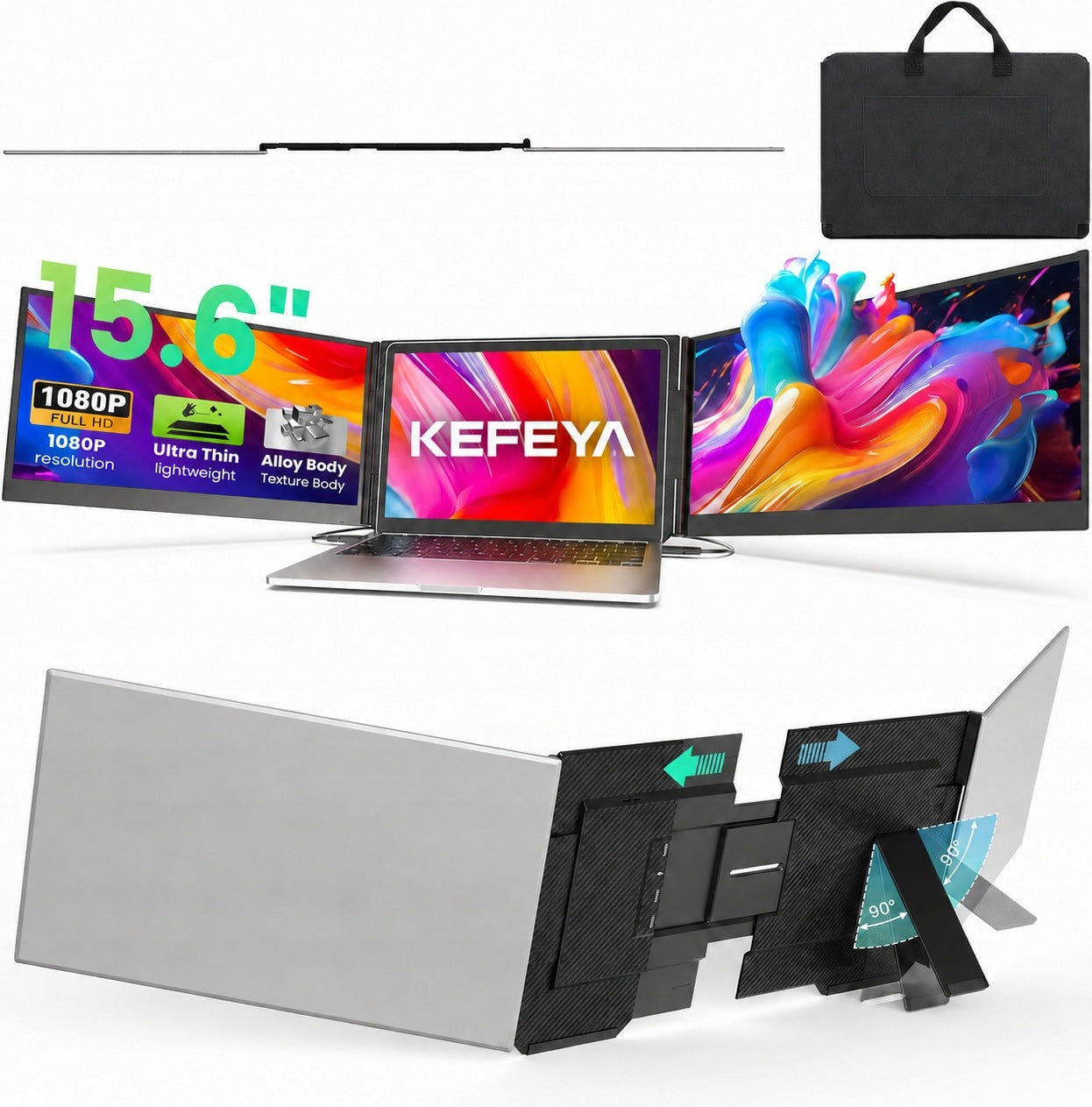


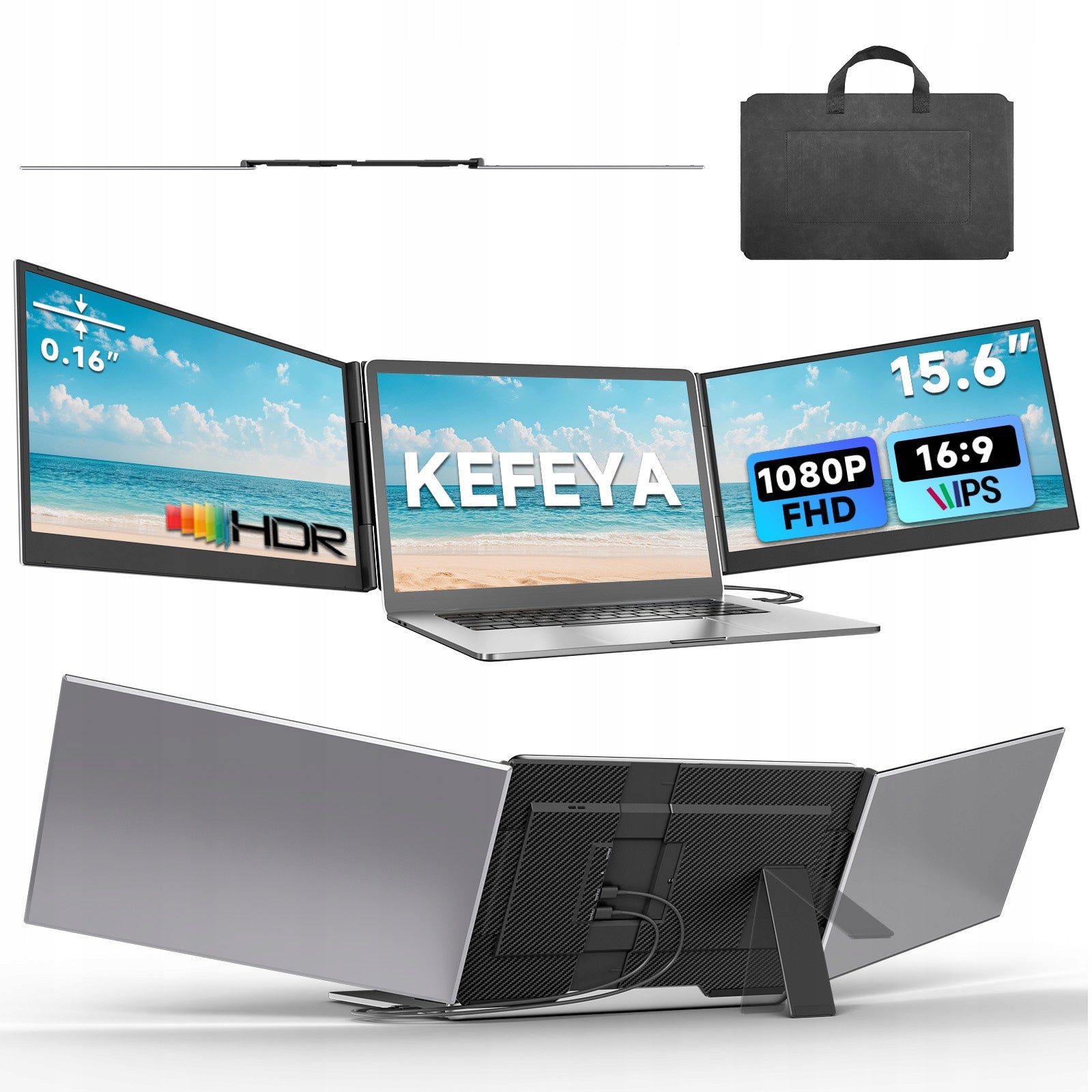


Trumpai apie prekę
Prekė: Nešiojamas monitorius KEFEYA P7 15,6" FHD IPS USB-C HDMI. Kategorija: Monitoriai.
- Gamintojas: PRO-VIEW
- Modelis: PMDL1560
- Spalva: silver
Expand Your Laptop Workspace Anytime, Anywhere
Transform your laptop into a powerful multi-screen workstation with the KEFEYA P7 Portable Monitor.
Designed with an ultra-slim and lightweight body, this portable screen extender provides an efficient way to multitask at work, study, travel, or entertainment.
Enjoy a smooth Full HD visual experience, easy Plug & Play connection, and a compact design that fits perfectly into your daily workflow.
A second screen helps you:
✔ Manage multiple applications at the same time
✔ Compare documents and information easily
✔ Improve work efficiency
✔ Keep video meetings and notes open simultaneously
✔ Create a more comfortable working environment
Perfect for:
- Business professionals
- Remote workers
- Students
- Designers
- Programmers
- Content creators
- Travelers
The KEFEYA P7 features a lightweight and slim design, making it easy to carry with your laptop.
Take your second screen anywhere:
✈ Business trips
☕ Coffee shops
🏠 Home office
🎓 University
🚆 Travel
A portable workstation that fits into your everyday lifestyle.
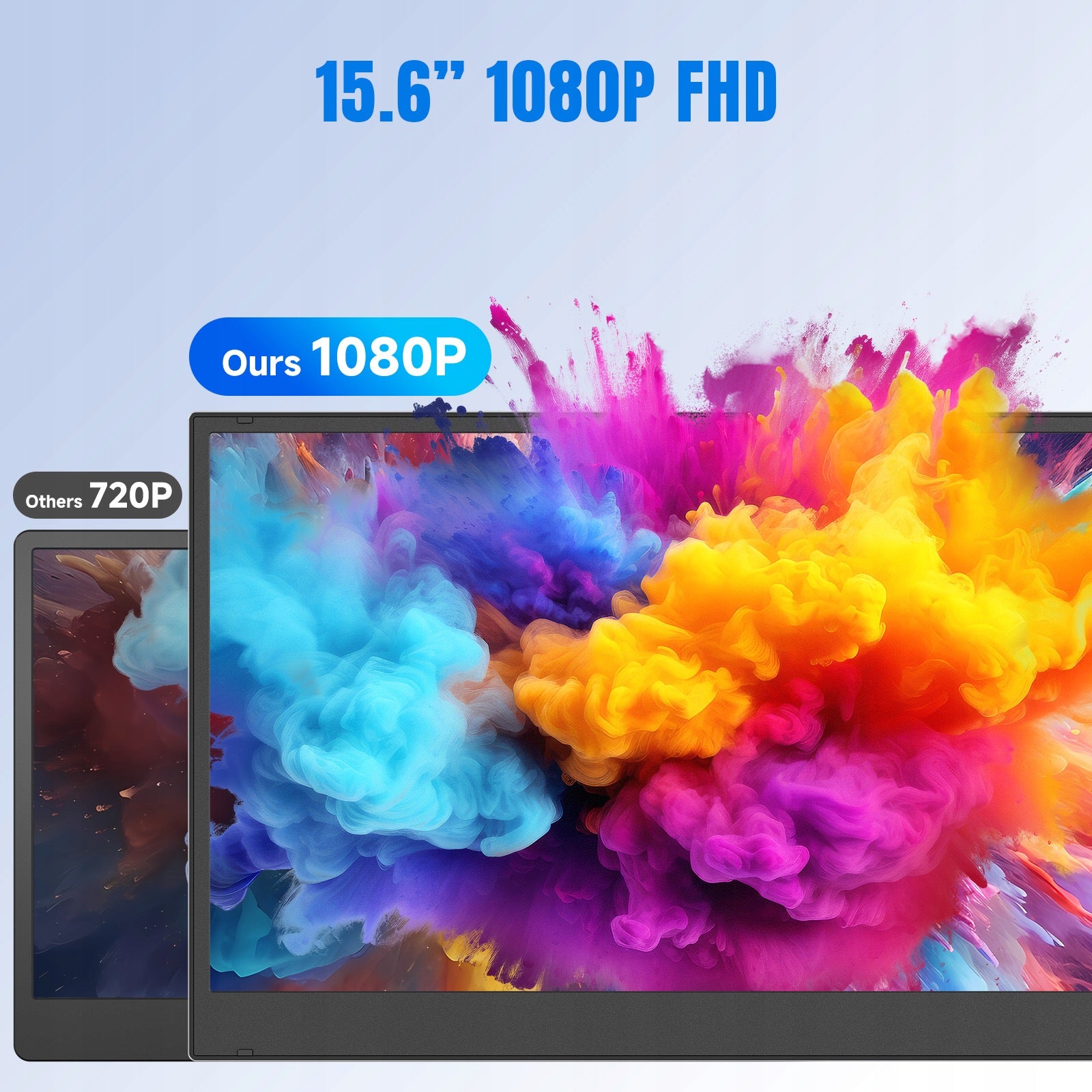
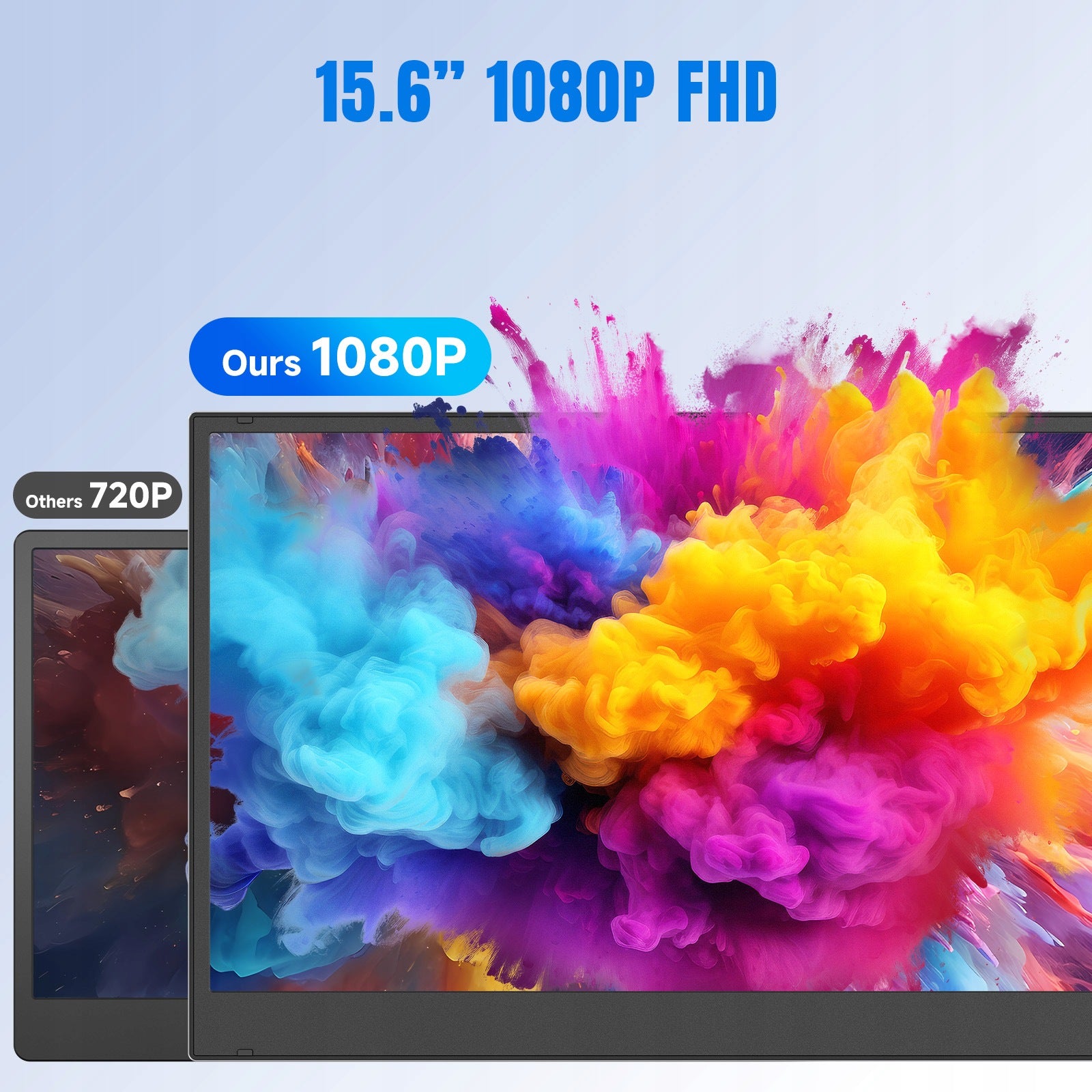
Enjoy clear images and vibrant colors with the high-quality IPS display.
Display Features:
✔ Full HD 1920 × 1080 Resolution
✔ IPS Panel
✔ Wide Viewing Angle
✔ Sharp Details
✔ Comfortable Viewing Experience
Whether working, watching videos, or creating content, the display delivers smooth and clear visuals.
Method 1: USB-C to USB-C Connection
For laptops with a full-featured USB-C port (DisplayPort Alt Mode supported):
- Connect the USB-C cable between your laptop and the monitor.
- The monitor receives video signal and power through the cable.
- The screen starts working immediately.
Advantages:
✔ One cable connection
✔ Fast setup
✔ No driver installation required
Method 2: HDMI + USB-A Connection
For laptops without USB-C video output:
- Connect the HDMI cable for video transmission.
- Connect the USB-A to USB-C power cable for power supply.
- Extend your laptop display instantly.
Advantages:
✔ Compatible with more laptops
✔ Stable connection
✔ Suitable for older devices
Before purchasing, please check your laptop ports:
✔ USB-C port must support video output (DP Alt Mode)
✔ Standard USB-C charging/data ports cannot transmit video
✔ HDMI connection requires additional USB power connection
Compatible with most laptops and devices:
✔ Windows laptops
✔ MacBook devices with compatible ports
✔ ChromeOS devices
✔ Other HDMI / USB-C enabled devices
Suitable for laptops:
13" – 17"
Everything you need for setup is included.
The package includes:
✔ 1 × KEFEYA P7 Laptop Screen Extender
✔ 1 × USB-C to USB-C Cable
✔ 1 × HDMI Cable
✔ 1 × USB-A to USB-C Power Cable
✔ 1 × Protective Carrying Bag
✔ 1 × User Manual
Package & Usage Notes
Please check your laptop's available ports before purchase.
For USB-C connection:
Your USB-C port must support video output.
For HDMI connection:
Both HDMI cable and USB power cable are required.
Upgrade Your Workspace with KEFEYA
Portable. Efficient. Professional.
Create a dual-screen workspace wherever you go.
Q1: Why does my dual monitor for laptop show "No Signal"?
A1: This usually happens when the connection isn't set up correctly. Please check your connection type:
- Two Full-Featured Type-C Ports
Use two USB-C to USB-C cables. Make sure both USB-C ports on your laptop support video output and power delivery.
- One Full-Featured Type-C + One HDMI Port
Use one USB-C to USB-C cable (for video + power) and one HDMI cable. If the screen flickers or brightness is low, connect an external power adapter (5V/3A+) to the monitor's power input.
- No Full-Featured Type-C Port
Your laptop must have a USB-A port (or standard USB-C) and an HDMI port. Use a USB to HDMI conversion cable (H5) along with an HDMI cable. The monitor also requires an external power adapter (5V/3A+).
Q2: Why is my screen flickering or turning black?
A2:Low battery or insufficient power is usually the cause. Simply use an extra USB-A to USB-C cable to power your laptop or the monitor extender—this often solves the issue.
Q3: The extended monitor for laptop not light up after connecting?
A3: Your laptop may not have enough power. Please use an external power adapter (5V/3A+) to charge the portable monitor.
We're here to help with any questions about using the product.
Specifications
| Group | Name | Value |
|---|---|---|
| Parametry | Condition | new |
| Parametry | Invoice | With VAT invoice |
| Parametry | Brand | PRO-VIEW |
| Parametry | Model | PMDL1560 |
| Parametry | EAN (GTIN) | 5907413951026 |
| Parametry | Color | silver |
| Parametry | Backlight type | LCD |
| Parametry | Screen diagonal (inch) | 15.6" |
| Parametry | Native resolution | 1920 x 1080 px |
| Parametry | Response time | 10 ms |
| Parametry | Brightness | 300 cd/m² |
| Parametry | Sensor type | IPS / PLS |
| Parametry | Screen coating | matte |
| Parametry | Aspect ratio | 16:9 |
| Parametry | Refresh rate | 60 Hz |
| Parametry | Ports | HDMI,USB 3.1 type C |
| Parametry | Product weight | 1.83 kg |
| Parametry | Product weight with unit packaging | 3.12 kg |
| Parametry | Energy efficiency class | A |
| Parametry | Batteries included | no |