
Pristatymo terminas kiekvienai prekei nurodomas prie kainos bloko.
Pristatymas visoje Lietuvoje: nemokamas.

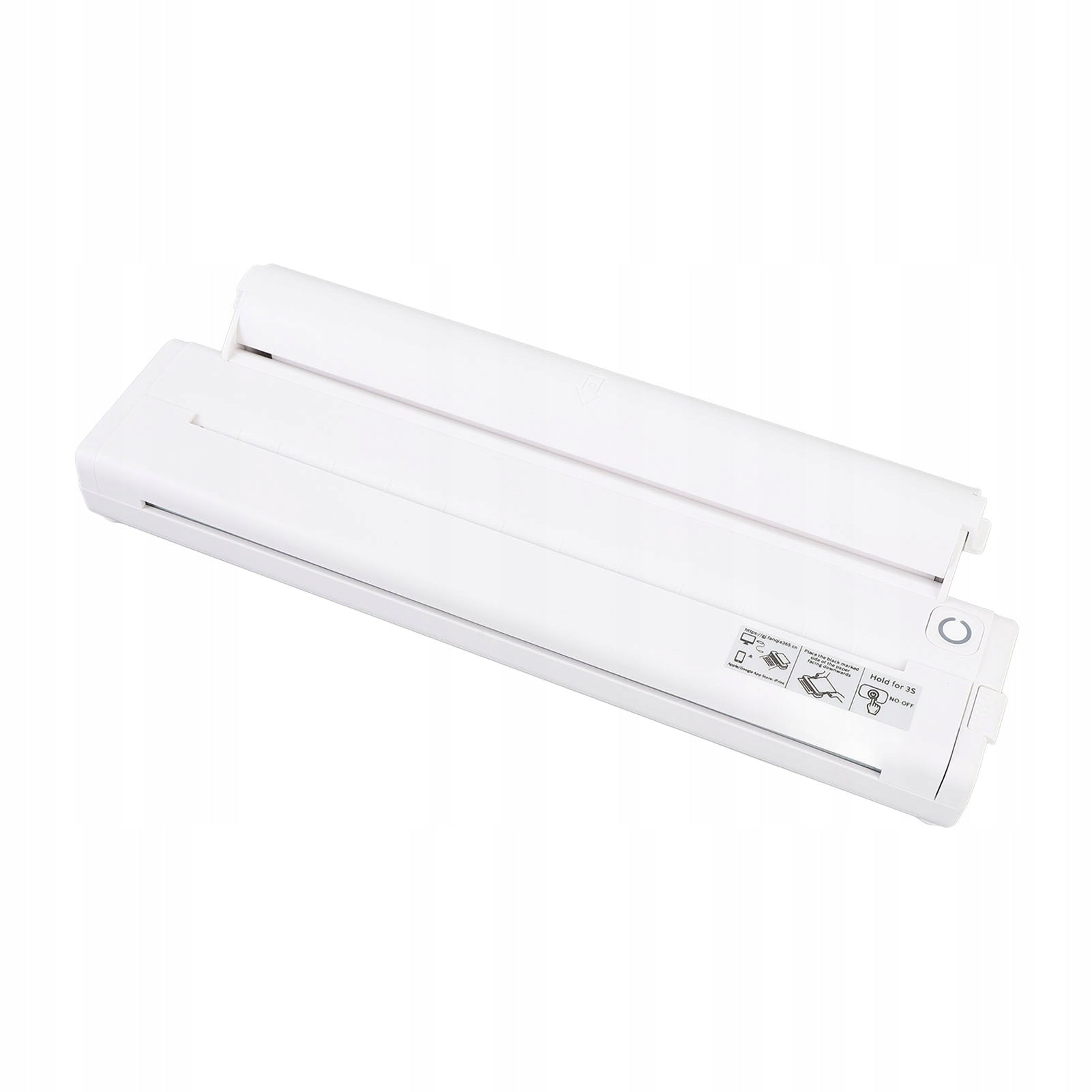


Trumpai apie prekę
Prekė: Nešiojamas Bluetooth terminis spausdintuvas namams. Kategorija: Rašaliniai ir lazeriniai spausdintuvai.
- Gamintojas: no brand
- Modelis: 4919SVWC
Function:1. Compact portability: This portable thermal printer is A4 size, fits easily in backpacks or folders, providing the convenience of printing on the go without the use of carbon, tape or ink.
2. Versatility in a wide format: With support for 210/218 mm wide thermal paper (A4 paper size), this wireless printer meets a variety of printing needs, from small notes to long banners without the need for special paper rolls.
3. Easy operation: Simply load the paper, access the app, and easily print from your Android phone via Bluetooth, eliminating the need for complicated computer setup.
4. Long-lasting battery: Equipped with a 2000mAh battery, this portable wireless printer charges in about 1,5 hours and can print 100 sheets of A4 thermal paper continuously.
5. Efficient power management: With intelligent energy-saving technology, the portable ink-free printer automatically turns off after 30 minutes of inactivity, and the standby time is extended to 30 days for longer performance.
Specification: Item Type: Portable Wireless Printer
Material: ABS
Product Size: approx. 27x3x5,5 cm/10,6x1,2x2,2 inch
Connection: Bluetooth 4.0 or later
Application support: for iprint app supports Android
Paper Size: A4
Printable paper width: 210/218 mm width
Battery capacity: 2000 mAh lithium battery (supplied with built-in battery)
Charging time: approx. 1,5 hours
Continuous printing time: approx. 100 sheets of A4 thermal paper
Printing speed: 10 mm/s
Charging Interface: Type C
Usage: Open the Bluetooth function on your mobile phone, open the app, click “Select Device” at the top, go to the “My Devices” page, then click the Bluetooth name starting with GT08 to connect to the internal Bluetooth module. If Bluetooth is not displayed after it is entered, click Refresh and try again.
How to use:1. First install the application.
2. Open Bluetooth on your phone and connect your device to start using it.
Package List:1 x Portable Wireless Printer
1 x Charging Cable
1 roll x paper
1 x Paper Shell
1 x User Manual
Specifications
| Group | Name | Value |
|---|---|---|
| Parametry | Condition | new |
| Parametry | Invoice | Without VAT invoice |
| Parametry | Manufacturer code | AG251228045426 |
| Parametry | Brand | no brand |
| Parametry | Model | 4919SVWC |
| Parametry | Type | multifunction printer |
| Parametry | EAN (GTIN) | 0689543716595 |
| Parametry | Printing technology | other |
| Parametry | Maximum paper format | other |
| Parametry | Communications | Wi-Fi |
| Parametry | Ports | none |