
Pristatymo terminas kiekvienai prekei nurodomas prie kainos bloko.
Pristatymas visoje Lietuvoje: nemokamas.

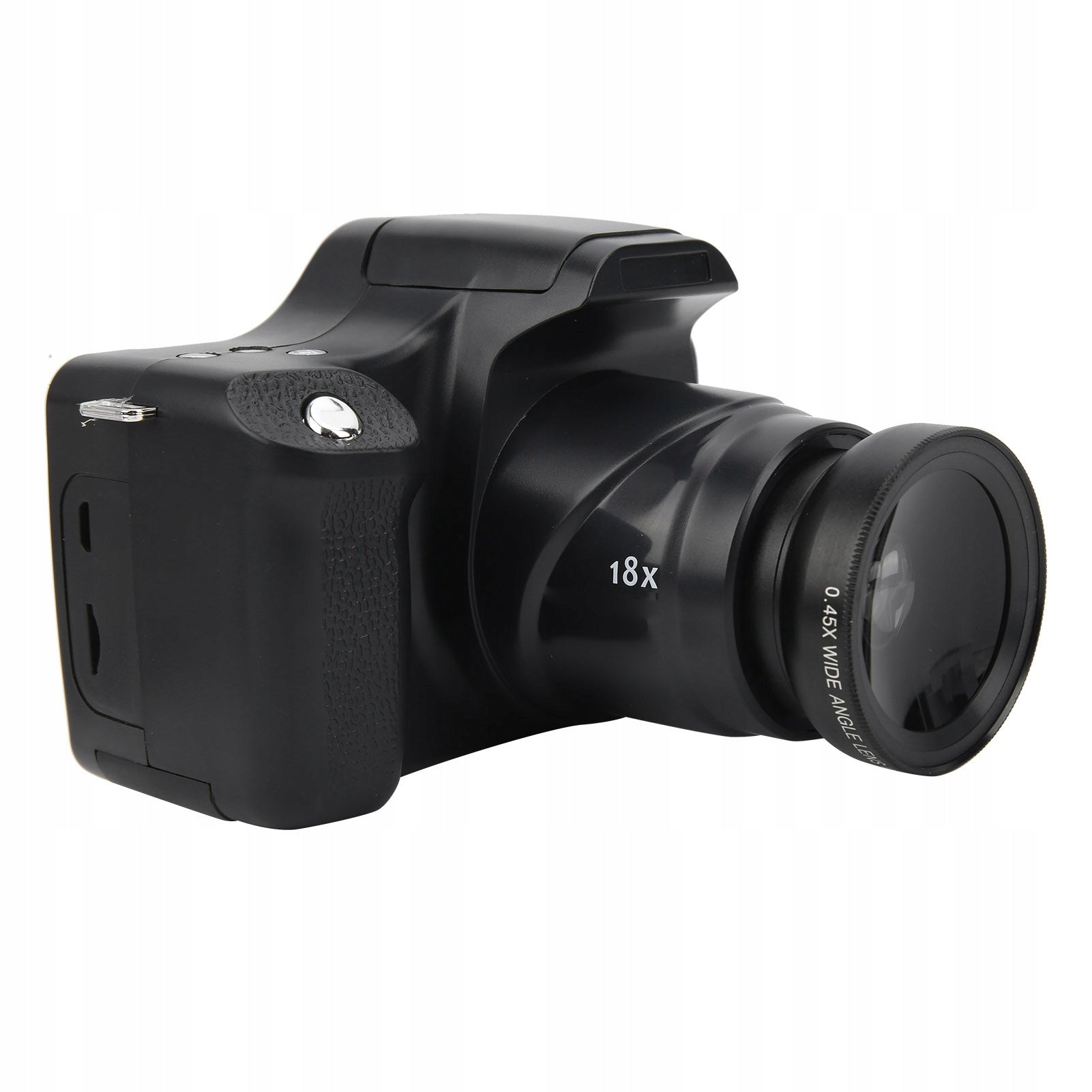


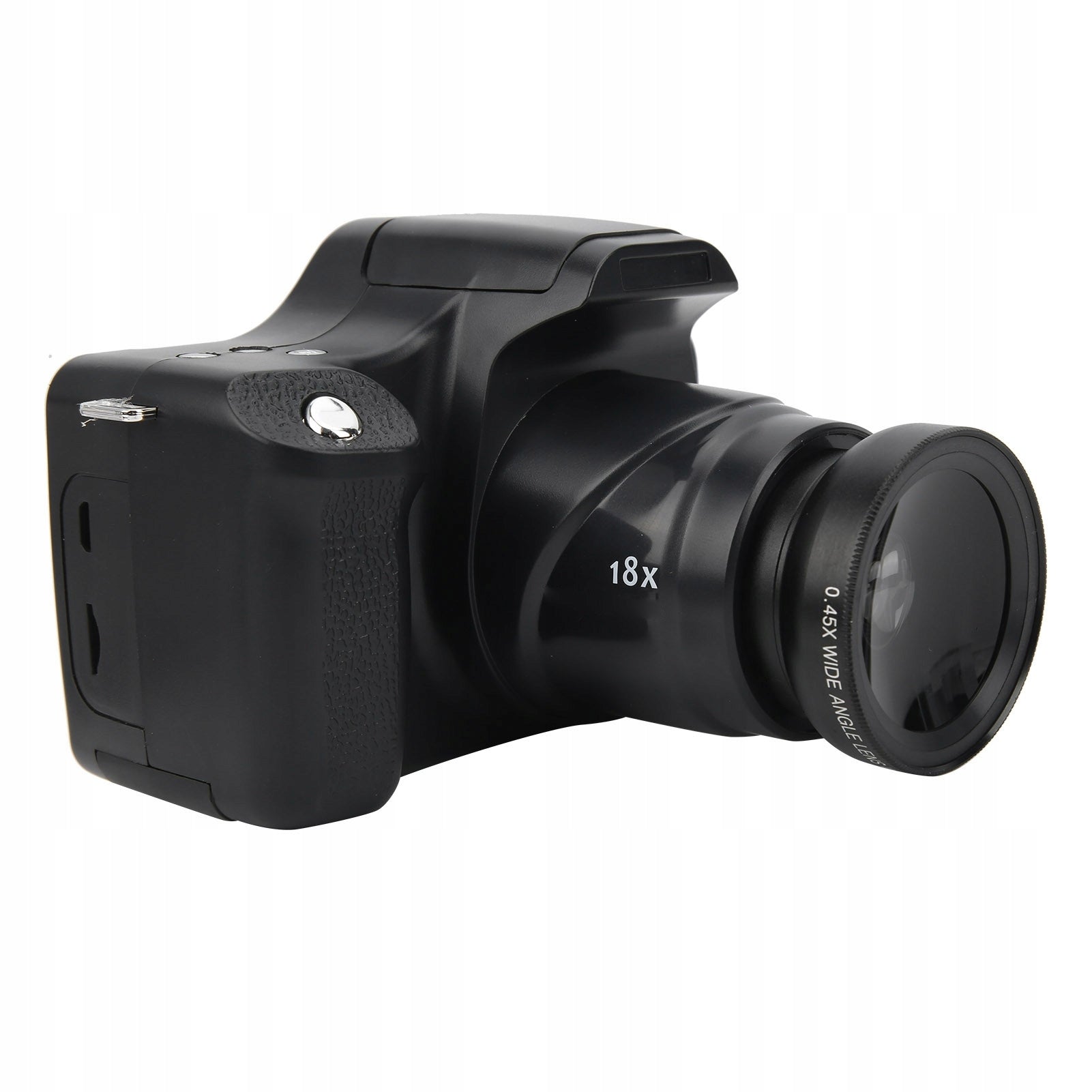
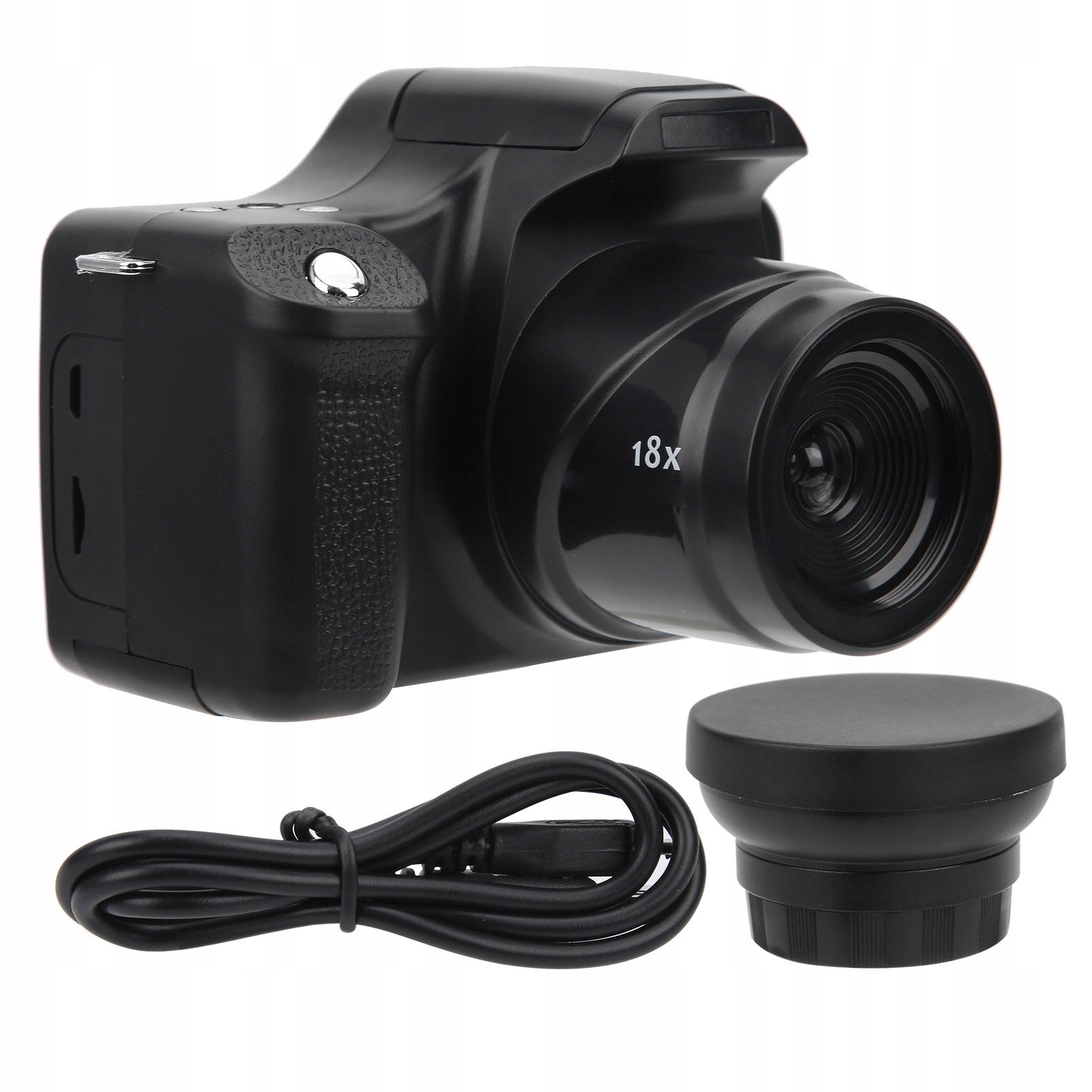


Trumpai apie prekę
Prekė: HD SLR fotoaparatas su 3,0 colių LCD ekranu ir 18x priartinimu, EY. Kategorija: Kompaktiškas.
- Gamintojas: no brand
- Modelis: 7530PYCW
Function:
1. The digital camera allows you to take photos in 24 MP resolution, record high-definition video and record great life.
2. With a 3-inch HD LCD screen, it provides a clear picture, which is convenient for customizing compositions and parameters for a perfect image.
3. The built-in flash can be used to take photos normally even in dark environments, and the USB port allows for convenient charging.
4. The high-capacity 1500 mAh battery lasts for a long time, which is perfect for family gatherings and outdoor travel.
5. Easy to use, comfortable to touch, small and lightweight, can be used as a gift for children.
Specification:
- Item Type: Digital Camera
- Material: PVC
- Color: Black
- Screen size: approx. 3,0-inch TFT-LCD display (4:3)
- Sensor: CMOS 5 MP, up to 24 MP (software interpolation)
- ISO Automatic, 100, 200
- Storage method: Memory card, up to 32 GB (brak)
- Lens: F/3,2 F=7,5 mm
- Focal length: 20-30 CM
- Shooting distance: 1,0 m-infinite
- Image Format: JPG
- Image Resolution: 1,3 MHD 2MHD, 3M, 5M, 8M, 10M, 12M, 24M
- Video: AVI
- Video Resolution: FHD1920X1080, HD1280X720P, VGA, QVGA
- Zoom: 18x digital zoom
- Flash: equipped with flashlight, effective distance Scene mode: automatic/night/portrait
- Continuous Photos: Support
- Microphone: Built-in microphone, support external microphone extension
- Exposure compensation: –3,0EV-+3,0EV
- Selfie mode: off / 2 seconds / 10 seconds
- USB Port: USB2.0
- Automatic shutdown time: off/60 seconds/180 seconds/300 seconds
- Battery: Built-in 1500 mAh lithium-ion battery
- How to use:
1. Install the memory card in the off state, then turn it on with the power button (no memory card allows you to take photos)
2. Turn on: Press the power button for 2 to 3 seconds to turn on the recorder.
- Shutdown: Press the power button for 2 to 3 seconds to turn the power on or off. Automatic shutdown: when the recorder is idle for 1 minute. The recorder will turn off automatically. The auto-off delay time can be set to 1, 3 or 5 minutes. In “Video” or “Camera” mode, press the “OK” button, then press the right button to enter Settings mode, select “Energy Saving” and adjust as needed. Low battery
- If the battery runs out, the LCD display will display the battery level Icon Low c, the automatic power function will turn off the recorder
3. After selecting the activated camera mode, the camera will be set to camera mode. Press the mode button to change or select the desired mode. Camera mode (default mode) — take photos, take photos mode, record video clips, play mode, play back recorded videos, or view photos
4. Set the date and time and other settings: in video or camera mode, press OK,then right click to enter the settings menu,Press the up and down buttons to select the date and time option,then press OK to change the date and time,use the directional buttons:Set the right button to move the cursor up or down,OK button to confirm, and then click the “OK” button to exit the settings. To change other settings such as automatic shutdown/screensaver/audio signal/language/frequency/format/default settings
5. Camera mode: preview mode 9999 image counter 10M-+mase compensation resolution mode DE cuaAWB indicator battery icon indicator light
- Take a picture: 1. Press the power button to turn on the camera 2. Press the shutter button to take a picture
6. Playback Mode: 1. Press and hold the power button to turn on the camera. 2. Double-tap the “Mode” button to select the playback mode. You can view a still image or video by pressing the up or down button to play the recorded PICA0020 D1 video. 3. Select the desired video recording (check the “video recorder” icon on the LCD screen) 4. Press the shutter button to start playing the recorded video, press the shutter button to stop playback, press OK button to open the menu, you will see more options
7. Change the settings of the video/photo/play menu 1. Press OK to open menu 2. Press the button to select the desired menu option 3. Press the “OK” button to enter submenu 4. Press the “Up” or “Down” button to select the desired submenu 5. Press the “OK” button to confirm the selection, and then press the “Left” button to exit the menu.
List of packages:
- 1 x Digital Camera 1 x USB Cable
- 1 x Manual
- 1 x Wide Angle Lens
Specifications
| Group | Name | Value |
|---|---|---|
| Parametry | Condition | new |
| Parametry | Invoice | Without VAT invoice |
| Parametry | Brand | no brand |
| Parametry | Model | 7530PYCW |
| Parametry | Resolution | 1 Mpx |
| Parametry | Optical zoom | 1 |
| Parametry | Stabilization | no stabilization |
| Parametry | Video quality | no recording |
| Parametry | EAN (GTIN) | 602671384825 |
| Parametry | Manufacturer code | AG260515081641 |