
Pristatymo terminas kiekvienai prekei nurodomas prie kainos bloko.
Pristatymas visoje Lietuvoje: nemokamas.




Trumpai apie prekę
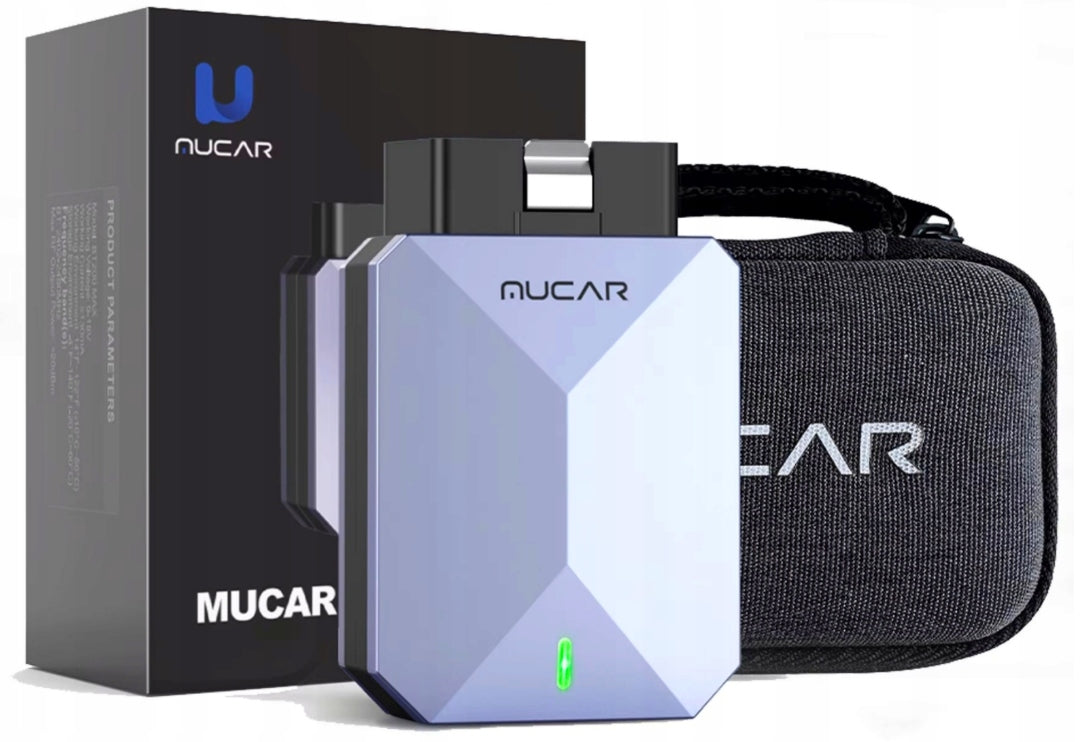
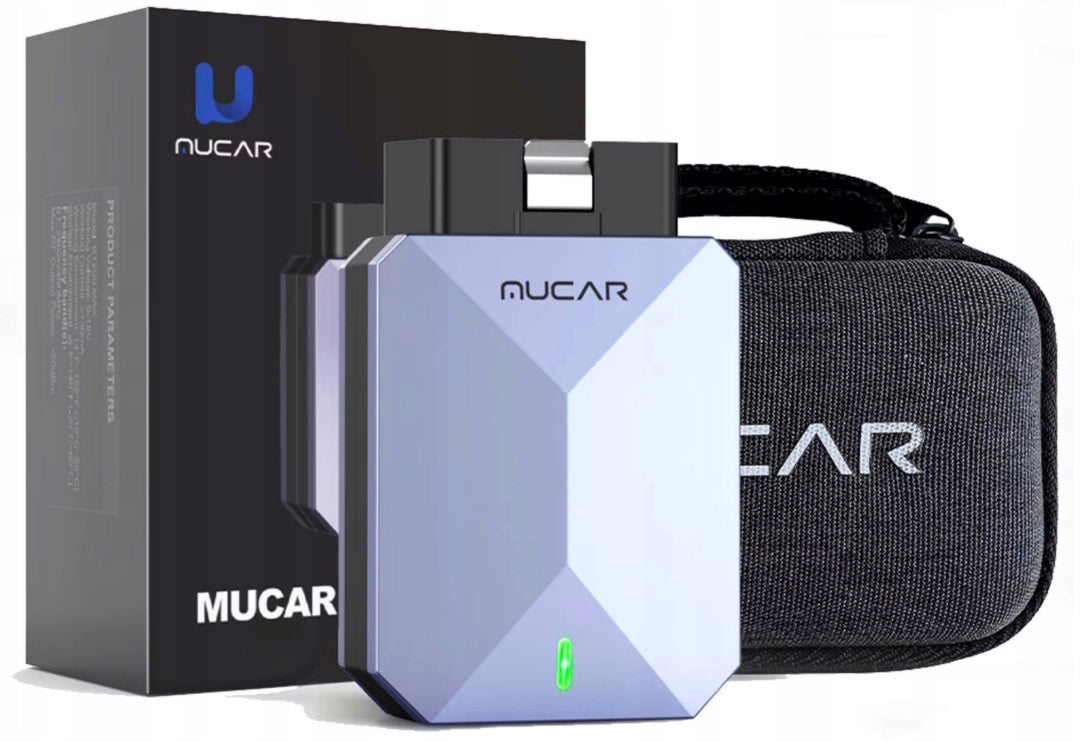
Prekė: Automobilio diagnostikos testeris MUCAR BT200 MAX su Bluetooth, OBD2, CAN FD, AI Assistant. Kategorija: Diagnostikos testeriai ir sąsajos.
- Gamintojas: no brand
- Modelis: BT200Max
Why do you need the Mucar BT200 MAX OBD2 scanner?
Lifetime free update of all programs (except FCA)
1. Lifetime free diagnostics for all systems
2. 15 Reset the Lifetime Service for Free
3. Bi-directional/active lifetime test for free
4. CANFD protocol support
5. Added GM-LAN, Ford MS-CAN and ELM327 protocols
6. The first intelligent diagnostic system based on artificial intelligence. It provides users with multidimensional, high-precision technical support services at the industrial level.
7. Works with dozens of popular third-party apps such as Torque, BimmerCode, Dashcommand, AlfaOBD (check compatibility)
8. Support more than 120 car brands
9. Support 22 languages:
English, German, Spanish, Russian, French, Portuguese, Polish, Italian, Arabic, Bulgarian, Romanian, Turkish, Dutch, Swedish, Hungarian, Serbian, Czech, Vietnamese, Indonesian, Tagalog, Lithuanian, Latvian, Thai
YOU BUY FROM AN AUTHORIZED DISTRIBUTION on Polish territory !
WE HAVE A CERTIFICATE
The first intelligent diagnostic system based on artificial intelligence
MUCAR BT200 Max is the first OBD2 Bluetooth scanner with AI diagnostic system. It provides users with multi-dimensional, precise technical support services at the industrial level.
Active test support (two-way control) for life, free :
If the actuator is operating normally, without the use of vehicle controls, to achieve a significant increase in efficiency:
[Turn on the radiator fan|Throttle modulation|Open/close windows|Mirror operation|Turn on/off lights|Turn on/off beep|Door lock test ...]
Full diagnostics of the system, lifetime, free
The diagnostic application allows you to connect the data to the electronic control system of the vehicle tested for vehicle diagnostics. The application performs functional tests, retrieves vehicle diagnostic information such as fault and event codes and live data for various vehicle control systems such as ABS, SRS, engine, gearbox, braking system, exhaust emission system, fuel system, lighting system, wiper system, etc.
*Not all vehicles support all reset functions. Please send information about the model and year of the vehicle to customer service for information.
Support 15 reset functions Lifetime free
1. Reset
oil. If the oil maintenance light is on, the car needs maintenance. After the maintenance is complete, the driving time and other data must be reset so that the light goes out and the car system enables a new maintenance cycle. 2. Reset brake. After using the brake to a certain thickness, the brake sensor cable will wear out and the brake pad sensor cable will send a signal to the on-board computer to signal the need to replace the brake pads. After replacing the brake pads, the brake should be reset, otherwise the car will continue to generate an alarm.
3. BMS battery reset.
In the case of a vehicle with battery management function, if the battery status is detected as defective (aged or damaged), the error code will be saved in the driver (ECU). After replacing the battery and running the “BMS Reset” function, the error code will be removed and readjusted, based on the relevant information about the existing battery as standard, which will allow the monitoring unit to monitor. Avoid false results in instrument error messages.
4. Regeneration
Particulate filter (DPF) Particulate matter accumulates in the filter working process. When the filter reaches a certain value, it will cause a decrease in engine power and a decrease in economic performance. It should be removed in time to ensure proper operation of the DPF filter. 5. Reset the SAS steering angle. After dismantling the vehicle or replacing the parts related to the steering function, the steering angle learning function should be performed. 6. TPMS tyre pressure reset
applies only to vehicles without tyre pressure sensors. If the tyre pressure is too low or there is a leak, tire pressure monitoring equipment should be replaced or installed, tires should be replaced, tire pressure sensor should be damaged, and cars with tyre pressure monitoring function should be inspected in case of tyre shifting, etc. After the vehicle maintenance is completed, reset the tyre pressure and turn off the tyre pressure indicator light.
7. IMMO key matching
When replacing the ignition key, ignition switch, integrated instrument panel, engine controller (ECU), body control module (BCM) and remote control battery, IMMO key adjustment is required. 8. Ventilation of the system ABS In the case of replacement of the ABS system, ABS pump, brake pump, brake hose and brake fluid, it is necessary to vent the ABS system using the venting function of the ABS system. 9. Reset of the sliding roof The sliding roof should be reset when there is a communication problem or the sliding roof control module has been replaced. 10. Suspension reset When the body height sensor or control unit in the air suspension system is replaced or the car level is incorrect, the vehicle must perform this function to adjust the body height sensor to calibrate the 11 level. Resetting the gearbox (transmission) When the wear and aging of the transmission part becomes serious, the adaptive learning of the control unit does not work, and the parts need to be repaired and replaced, then the automatic transmission control unit must be forced to learn. 12. Reset headlights AFS This function can initiate an adaptive headlight system. The adaptive headlight system can decide whether to automatically turn on the headlights depending on the ambient light intensity, monitor the vehicle speed, body position, etc. and adjust the angle of illumination of the headlights on an ongoing basis. In the case of replacing a new headlamp, an automatic headlight motor or an error code that is not set by the headlamp, it is necessary to perform the headlight adjustment function. 13. Coding of injectors After replacing the ECU or injector, each cylindrical injector must be encoded for confirmation or re-encoding. In order for the cylinder to better identify each cylindrical injector, accurate fuel injection control. 14. ETS learning (throttle matching) It is necessary to make throttle matching: Replace the electronic control unit, turn off the electronic control unit, replace the electronic throttle assembly, replace or disassemble the intake channel, clean the throttle.
15. Self-learning EGR
In the event of an EGR failure, the engine fault/EPC indicator light will light up on the vehicle instrument cluster, and the self-study EGR function can turn off the fault light after cleaning or replacing the EGR valve.
Support for unlocking the FCA SGW account
Note: Access to FCA AutoAuth is not free!!
An annual fee is charged for your AutoAuth account, but payment is charged directly by AutoAuth. THINKCAR and MUCAR are not involved in any transaction process.
Chrysler is a car belonging to the FCA group and equipped with a SGW (Security Gateway) module. Only after obtaining the FCA certificate is it possible to unlock the SGW module and gain access to advanced diagnostic functions.
THINKCAR is working with the FCA. It is enough to purchase FCA AUTHENTICATED DIAGNOSTICS on the official THINKCAR website, and then using the THINKCAR device you can diagnose Chrysler cars (including the Abarth, Alfa Romeo, Chrysler, Dodge, Fiat, Fiat Professional, Jeep, Lancia, Maserati and Ram Trucks) using advanced diagnostic functions.
Some vehicles may need to unlock the gateway to use other special features, such as reset. To unlock the gateway, you must purchase a separate FCA account. Above are some popular vehicle brands that may require you to unlock the gate, but they are for illustrative purposes only. Please check the problem with the vehicle gate.
Lifetime free support for all 10 OBDII/EOBD modes
Supported models: compatible with all models that support OBD II after 1996,
supporting the protocol:
ISO 14230-4(KWP2000)
iOS 15765-4(CAN)
ISO 9141-2(IOS)
ISO14229(UDS)
SAEJ 1850 (VPW&PWM)
Mode 1: Read live data stream
Mode 2: Read data from frozen frames
Mode 3: Read DTC codes (diagnostic error codes)
Mode 4: Delete DTC codes
Mode 5: Oxygen sensor monitoring
Mode 6: Monitoring the system
Mode 7: Reading pending DTC codes
Mode 8: On-board system operation control
Mode 9: Reading Vehicle Information
Mode 10: Request diagnostic error codes related to emissions with constant status after cleaning/resetting diagnostic information related to emissions.
Support 22 languages
English, German, Spanish, Russian, French, Portuguese, Polish, Italian, Arabic, Bulgarian, Romanian, Turkish, Dutch, Swedish, Hungarian, Serbian, Czech, Vietnamese, Indonesian, Tagalog, Lithuanian, Latvian, Thai
Diagnostics covers most vehicles that support OBDII after 1996.
For America
for Buick, Chrysler, Cadillac, Chevrolet, Doge, Ford (Australia), Brazil for Fiat, Brazil GM, Ford, GM, Jeep, Lincoln, SGM
For Europe
for Aston Martin, Audi, Alfa Remeo, Abarth, BMW, Bentley, Bugatti, Citroen, DR, Dacia, Ford EU, Ferrari, Fiat, GAZ, Iveco, IZH, Jaguar, Land Rover, Lamborghini, Lancia, Mercedes, Maserati, Sprint, Maybach, Volkswagen, Opel, Opel, Opel, Fiat (South Africa), PAZ, Lancia, Mercedes, Mercedes, Mas Sprint, Sprint, Maybach, Volvo, Volvo, Volvo, Opel, Opel, Opel, Volvo
For Asian
Acury, Daewoo, Daihatsu, AU Holden, for Honda, for Hyundai,for Ikco, for Isuzu, for Infiniti, for Kii, for Luxgen,for Lexus, for Mahindra (India), for Maruti (India),for Dad (India), for Mahindra, for Maruti, for Mazda,for Mitsubishi, for MVM, for Nissan, for Nissangtr,for Perodua (Malaysia), for Protona (Malaysia), for Perodua,for Proton, for Renault Samsung, for Saip, for Ssangyong,for Subaru, for Suzuki, for Toyota, for Tlisuzu, for United Pakistan
Japanese cars compatible with JOBD are not supported
Support for CAN-FD protocol
GM: The CANFD model
[2021][Chevrolet][Onix]CANFD6 and 14
[2021][Chevrolet][Tracker]CANFD6 and 14
[2021][Chevrolet][Suburban]CCMA
[2021][Cadillac][Escalade ESV]CCMA
[2021][Cadillac][Escalade]CCMA
[2021[GMC][YUKON XL]CCA
[2021[GMC][YUKON]CCMA
[2023][Chevrolet][Montana]CANFD6 and 14
[2024][Buick][Electra E5]VSIM
[2024][GMC][Sierra] H/UTCM 10 gears (MGM)/10 gears (MGU)
[2021][Chevrolet][Onix]
[2021][Chevrolet][Tracker]
[2021][Chevrolet][Suburban]CCMA
[2021][Cadillac][Escalade ESV]CCMA
[2021][Cadillac][Escalade]CCMA
[2021[GMC][YUKON XL]CCA
[2021[GMC][YUKON]CCMA
[2023][Chevrolet][Montana]
[2024][Buick][Electra E5]VSIM
[2024][GMC][Sierra] H/UTCM 10 gears (MGM)/10 gears (MGU)
Support for mobile phones and tablets
Android: 8.0 and above
IOS: 11.0 and later
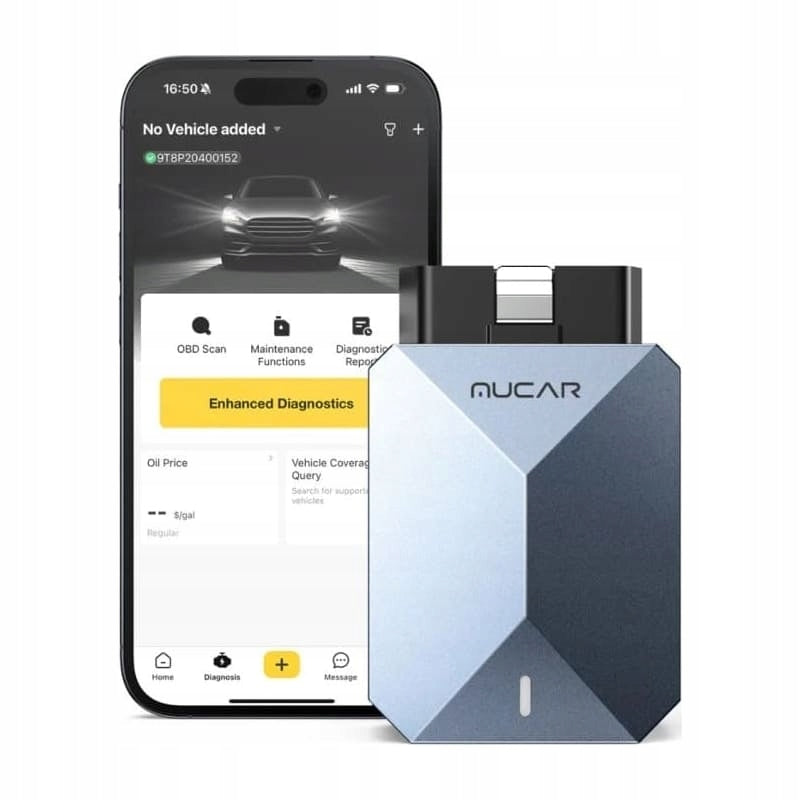
The MUCAR BT200 MAX is designed for mobile phones and tablets that meet the requirements of the version given above. After connecting the BT200 to your car, simply detect and diagnose your vehicle using Bluetooth 5.0 and the mobile phone app.
DolarFix app and other third-party apps:
MUCAR BT200 Max works with dozens of popular third-party applications such as: “OBD Fusion, Car Scanner, Infocar, Torque pro, DashCommand, GaragePro, OBD Auto Doctor, OBD JScan, Dr. Prius, MotorData, AlfaOBD”.
With third-party apps, you can enable features to make it easier to use your device (including remotely starting and locking/unlocking doors) and change configuration on select models.
Note: Many apps are currently only available on Android. To confirm compatibility, contact your application provider.
How to use MUCAR BT200 MAX?
1. Download and install the “Dollarfix” APK app on Google Play or on your smartphone, create a new account and log in.
2. Activate the device in the “Dollarfix” APK application by providing a binding serial number;
3. Connect the MUCAR BT200 MAX adapter to the 16-pin OBD2 Data Link connector in your vehicle, then turn on the vehicle.
4. Press the Me/Setting button on your device to pair the MUCAR BT200 Max with your device via Bluetooth.
5. Start diagnosing your car.
Package:
1*BT200 MAX
1*Storage bag
1*Operating instructions
REMEMBER! IT IS UNIVERSAL EQUIPMENT. VEHICLE OPERATION, MODULES AND FUNCTIONS DEPEND ON THE MAKE OF THE MODEL AND THE YEAR OF THE VEHICLE.
Specifications
| Group | Name | Value |
|---|---|---|
| Parametry | Condition | new |
| Parametry | Invoice | With VAT invoice |
| Parametry | Brand | no brand |
| Parametry | EAN (GTIN) | 810094614218 |
| Parametry | Manufacturer code | BT200Max |
| Parametry | Batteries included | no |