
Pristatymo terminas kiekvienai prekei nurodomas prie kainos bloko.
Pristatymas visoje Lietuvoje: nemokamas.


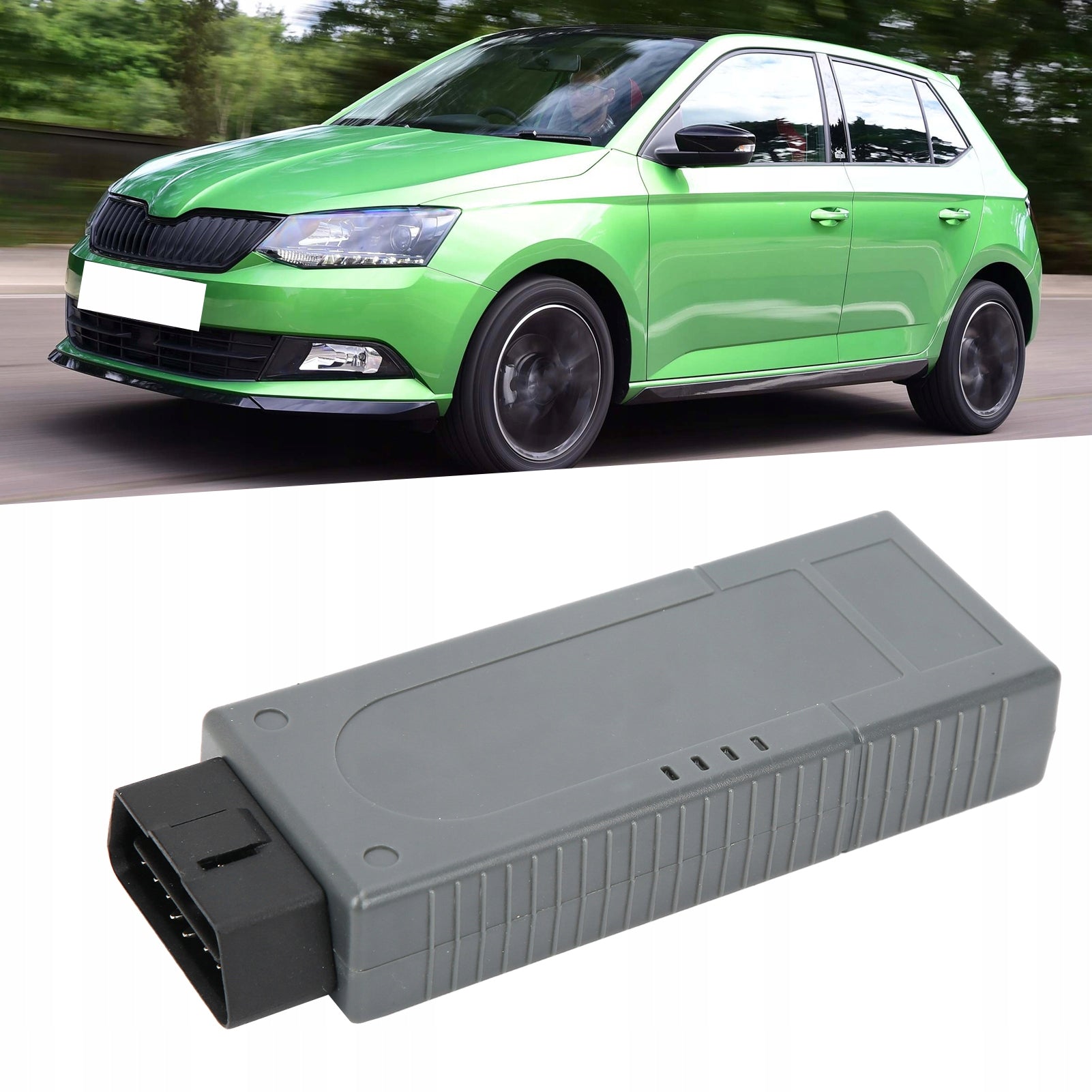


Trumpai apie prekę
Prekė: Diagnostikos įrankis VAS6154 ODIS WiFi skeneris. Kategorija: Diagnostikos testeriai ir sąsajos.
- Gamintojas: no brand
- Modelis: 1613210012611
✴ ✴ Specification✴ ✴
⚙ Item Type: diagnostic tool
⚙ Material: ABS
⚙ System: for win7/win10
⚙ Power supply: 8-18 V (via vehicle connector)
⚙ Output power: 5 W
⚙ PC interface (wired): USB 2.0 high speed, 480 Mbit/s or fast Ethernet, 100 Mbit/s (via LAN module)
⚙ PC interface (wireless): WLAN 802.11 ab/b/g/n 2T2R 300 Mbit/s client mode (WPA2 EAP-TLS, WPA2 PSK)
⚙ AP mode: (WPA2 PSK)
➡ Fits Skoda vehicles after 2000, including new and future models in production.
➡ Supports WIFI and USB connection, which can realize wireless communication between vehicle and diagnostic interface.
➡ In infrastructure mode, you can connect multiple devices with network functions (network subscribers).
➡ The estimated remaining time is displayed for the ECU flash operation. Documents in GFF are displayed in a separate window.
➡ Improved display of measured values. Automatically delete and save diagnostic protocol after successful transmission.
📦📦List of packages:
- 1 x Diagnostic Adapter
- 1 x Diagnostic Cable
- 4 x CD
- 1 x Tape
- 1 x Manual
✅Function (Support):Point-to-Point Connection:
With a point-to-point connection over a wireless network, it creates a radio network. Thus, it assumes the role of a radio access point (Access Point). A direct connection is established between the diagnostic unit and the diagnostic interface.
Configured using a web-based user interface.
✅New features of ODIS 4.13:
– The estimated remaining time of the ECU flash operation is displayed.
-Diagnostic protocol includes GFF session interruption, extended measurement values, improved ECU communication view, used diagnostic equipment, diagnostic equipment connection type, operating system, used patches and submitting support requests
– Improved display of measured values.
Documents in GFF are displayed in a separate window.
– At the beginning of the test drive mode, a message window will be displayed.
-GFF patches can be integrated during diagnostic session.
The danger message has been modified.
- Stopping the diagnostic session may be interrupted.
-Automatically delete and save diagnostic protocol after successful transmission.
— Improved selection of PassThru diagnostic equipment.
The ODIS software update has stabilized.
✅How to use:
1. Find the OBD interface in your car. (Most are on the driver's side under the dashboard)
2. Insert the diagnostic tool into the diagnostic computer.
3 Turn the key in the ignition to 0N. (car power supply)
4. Wait for the data retrieval to complete and follow the instructions to verify that the test data has been received.
5. Use the instructions that come with your diagnostic tool, computer software, or website to translate the fault code. Most reports include fault codes and fault names, defined conditions, and possible causes.
Specifications
| Group | Name | Value |
|---|---|---|
| Parametry | Condition | new |
| Parametry | Invoice | With VAT invoice |
| Parametry | Brand | no brand |
| Parametry | Product weight with unit packaging | 0.29 kg |
| Parametry | EAN (GTIN) | 4006359440050 |
| Parametry | Manufacturer code | 1613210012611 |
| Parametry | Batteries included | no |