
Piegādes termiņš katrai precei ir norādīts pie cenas bloka.
Piegāde visā Latvijā: bez maksas.
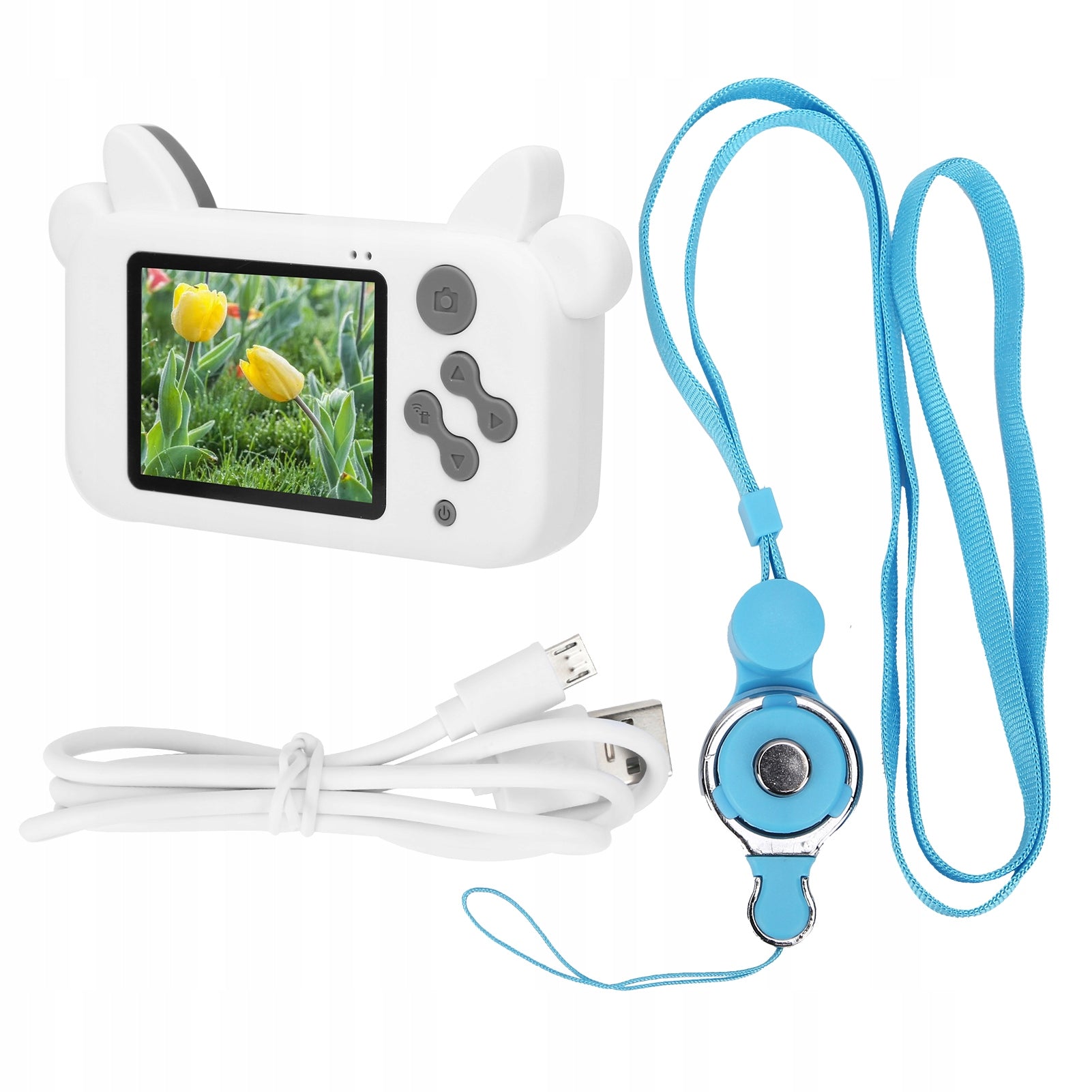


Trumpai apie prekę
Prekė: Vaikiškas fotoaparatas Cow Mini Cartoon T4. Kategorija: Kompaktiškas.
- Gamintojas: no brand
- Modelis: 3410WLGS
Function:
1. Food grade ABS material, round and nice shape, non-slip and friction resistant, comfortable and gentle grip, cares for children's delicate skin.
2. 15 kinds of cartoon photo frames, 9 kinds of special effects, capture every moment of nature and emotions and support multiple games at the same time.
3. High capacity 400mAh battery, high endurance, USB interface easily replenish power.
4. A fun camera created specifically for kids is a better gift than mobile phones and game consoles to allow kids to explore their own world.
5. With 2-inch color display, supported languages: English, Chinese, Korean, Japanese.
Specification:
- Item Type: Children's Camera
- Material: ABS
- Color: as pictures shown
- Weight: approx. 170 g/6 oz
- PX: 15 MP
- Video Resolution: 1080P/720P/VGA
- Storage medium: memory card, up to 32G (must be purchased separately)
- Screen: 2,0 inch color display
- Image Format: JPG
- Video format: AVI
- Photo frame: 15 kinds of cartoon photo frames, 9 kinds of special effects
- Function: camera, video, game
- Languages: English, Chinese, Korean, Japanese
- Battery: Built-in lithium battery, non-replaceable 400 mAh
- How to use:
1. Press and hold the power button to start the machine. When the machine starts, the blue indicator light will light up; Pressing the power button again for a long time turns off, this time the blue light goes out
2. In camera mode, press the “Mode” button to go into camera mode, and the camera speed and camera icon will be displayed in the upper right corner of the screen; briefly press the “Video/Photo” button to start recording, and the recording indicator will flash, indicating that recording is in progress.
3. Press “Mode” to go into Photo Mode, and the resolution and ICONS will be displayed in the upper right corner of the screen. Briefly press the “record/take a photo” button to take a picture. When taking a photo, the light flashes once, indicating that the photo has been completed.
4. Playing video/photos press the “Mode” button to go into playback mode, and the playback icon will be displayed in the upper right corner of the screen; Briefly press the “Up” button to select the file up, briefly press the “Down” button to select the file down; Briefly press the “Recording and Shooting” button to play the selected video file;
5. Menu settings: Press the “Menu” button briefly to display the settings menu; A short press of the “Up” or “Down” button allows you to switch up and down in each setting element. Select the settings you want to change and press the “Video and Photos” button to confirm the change.
6. Exit the settings menu; Briefly press "Menu" to exit the settings state; USB mode will connect the USB cable to the computer, the baby camera will connect automatically
- In this mode, USB can read and access video files or photo files.
List of packages:
- 1 x Kids Camera 1 x Charging Cable
- 1 x Manual
- 1 x Anti-Loss Rope
Specifications
| Group | Name | Value |
|---|---|---|
| Parametry | Condition | new |
| Parametry | Invoice | Without VAT invoice |
| Parametry | Brand | no brand |
| Parametry | Model | 3410WLGS |
| Parametry | Resolution | 1 Mpx |
| Parametry | Optical zoom | 1 |
| Parametry | Stabilization | no stabilization |
| Parametry | Video quality | no recording |
| Parametry | EAN (GTIN) | 753604788439 |
| Parametry | Manufacturer code | AG251121030907 |