
Piegādes termiņš katrai precei ir norādīts pie cenas bloka.
Piegāde visā Latvijā: bez maksas.
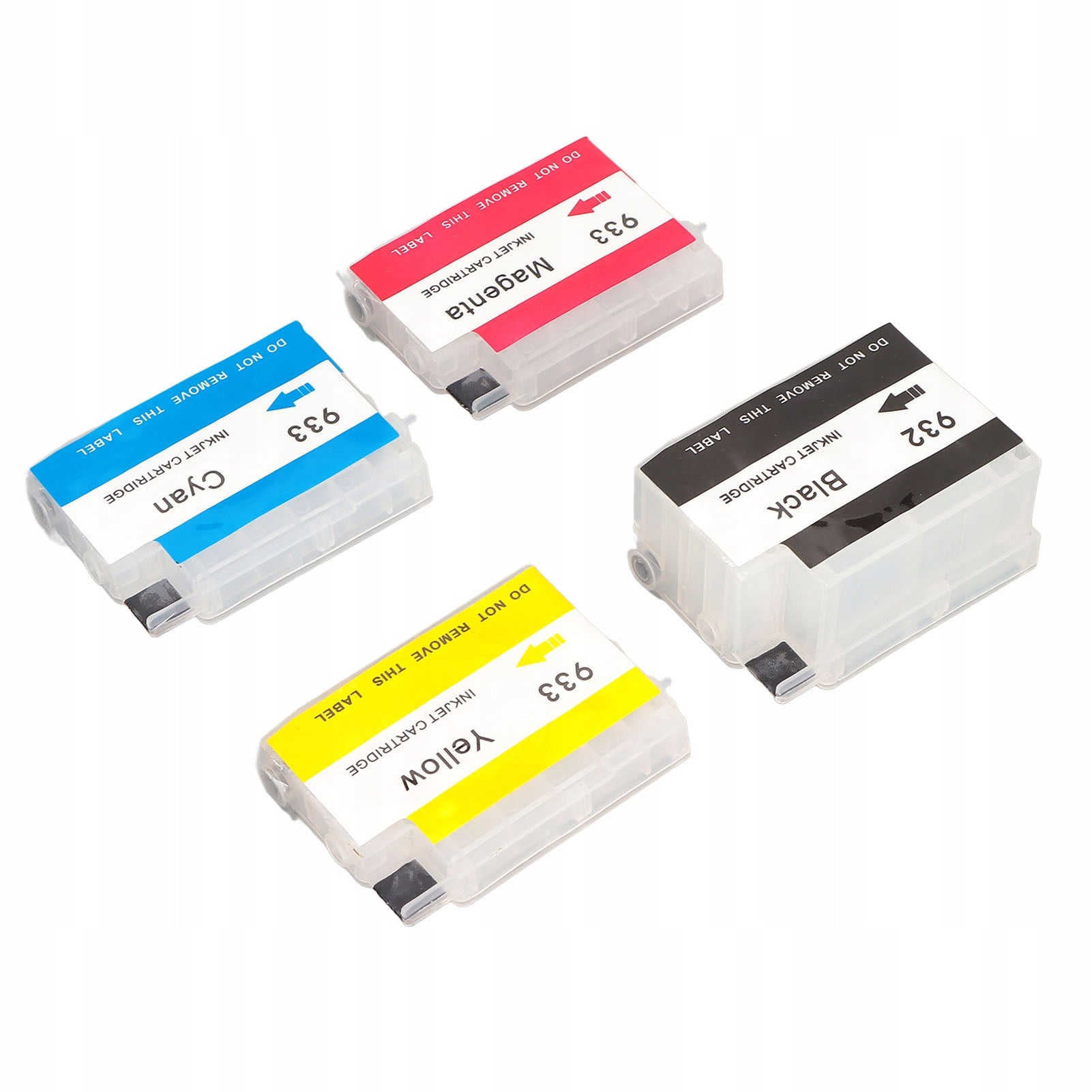
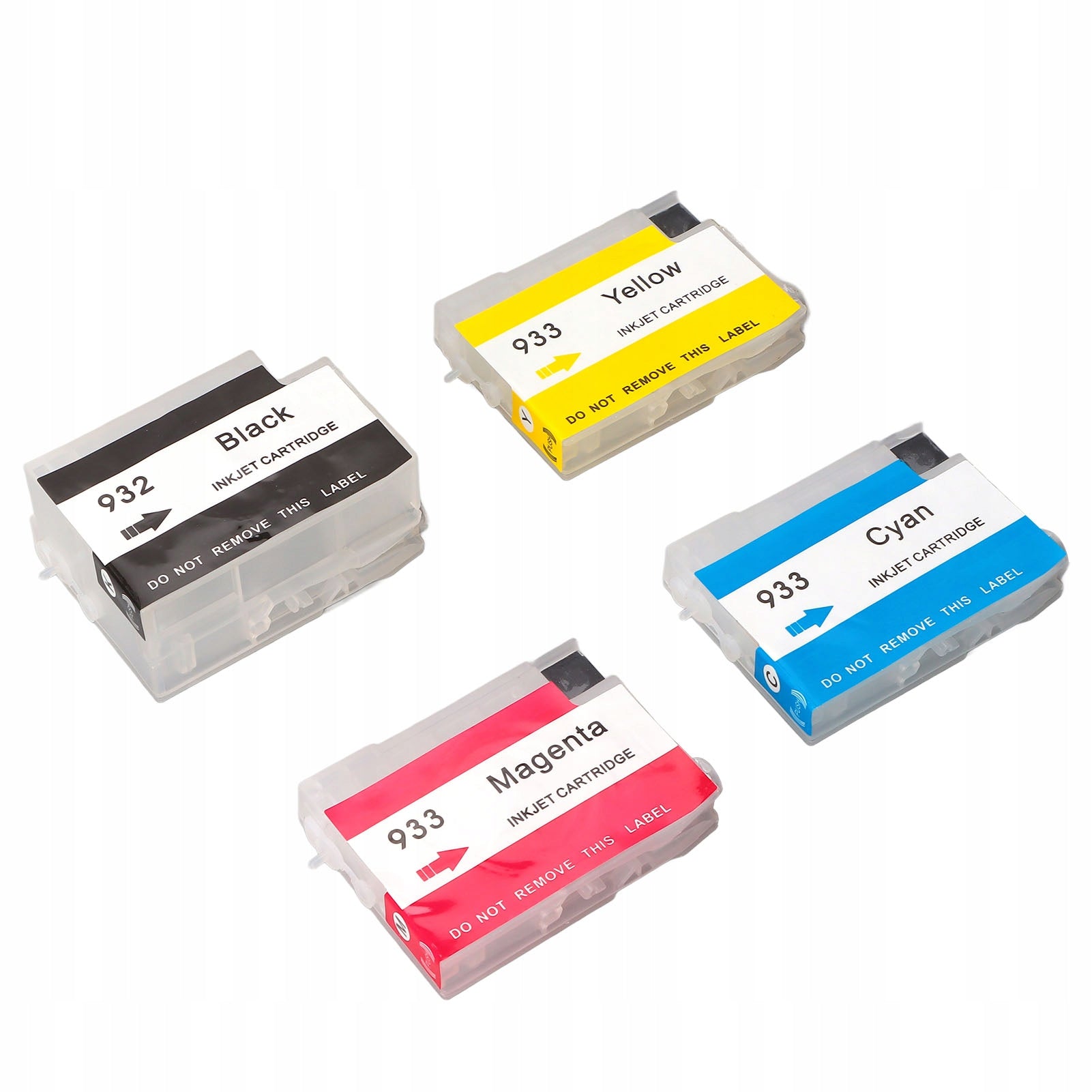


Trumpai apie prekę
Prekė: Rašalo papildymo kasetė PP HP F8. Kategorija: Rašaliniai ir lazeriniai spausdintuvai.
- Gamintojas: no brand
- Modelis: 2805PCLG
Function:
1. Wide application: suitable for HP Officejet 6600 6700 7110 7510 7610 7612 printers, suitable for test document printing, photo printing, document printing
2. High compatibility: The ink cartridge filling chip is highly compatible, and feedback such as identifying the ink cartridge model and area of use in the device
3. Advantages: They can be refilled, it is more convenient and stable than continuous power supply, and saves money compared to original and disposable compatible ink cartridges. Assuming the printing results are of high quality, more users will be able to print
4. Durable Plastic Parts: Made of PP material, which is environmentally friendly and durable, and the ink inflow and output are stable and undisturbed, which improves the printing effect and printing life
5. Natural printing: adopts clear black and white, clear printing and bright colors, more natural and closer to reality
Specification:
- Item Type: Refillable Ink Cartridge
- Material: PP
- Color: black, cyan, magenta, yellow
- Applicable scenarios: used for printing test documents, photo printing, document printing
- Applies to model: for 932 933
- Applies to area: global
- Applies to models: used for HP Officejet 6600 6700 7110 7510 7610 7612
- Chip Type: Recyclable ink display, resettable
How to use:
- 1. The nozzle protection clamp should be removed before installing the ink cartridge in the machine (in some cases it is not there), and the tail marks (air guide hole seals) on the ink cartridge nozzle must be detached.
- 2. When replacing a new ink cartridge, clean the print head before running out of ink in the original cartridge.
- 3. After installing the ink cartridge, leave the ink cartridge in the ink cartridge holder for 5 minutes. Clean the print head until nozzle control is normal.
4. If disconnected or no color, leave the ink cartridge in the holder for 10 to 15 minutes.
- 5. If the printing problem persists, check the print head 1 to 3 times according to the printer instructions until the printing is smooth.
- 6. If the printer does not recognize the ink cartridge, remove the ink cartridge and reinstall it. If the printer still does not work, try restarting it.
- 7. After opening the ink cartridge, it should be used within 6 months to ensure a good printing effect.
- 8. Do not remove the ink cartridge from the printer until the ink has worn out.
- 9. The printer is turned on at least once a week to prevent the print head from clogging
List of packages:
- 4 x Ink Cartridges
Specifications
| Group | Name | Value |
|---|---|---|
| Parametry | Condition | new |
| Parametry | Invoice | Without VAT invoice |
| Parametry | Manufacturer code | AG260522029174 |
| Parametry | Brand | no brand |
| Parametry | Model | 2805PCLG |
| Parametry | Type | multifunction printer |
| Parametry | EAN (GTIN) | 602671001500 |
| Parametry | Printing technology | other |
| Parametry | Maximum paper format | other |
| Parametry | Communications | Wi-Fi |
| Parametry | Ports | none |