
Piegādes termiņš katrai precei ir norādīts pie cenas bloka.
Piegāde visā Latvijā: bez maksas.





Trumpai apie prekę
Prekė: Mini kišeninis spausdintuvas S1. Kategorija: Rašaliniai ir lazeriniai spausdintuvai.
- Gamintojas: no brand
- Modelis: 0450QRJF
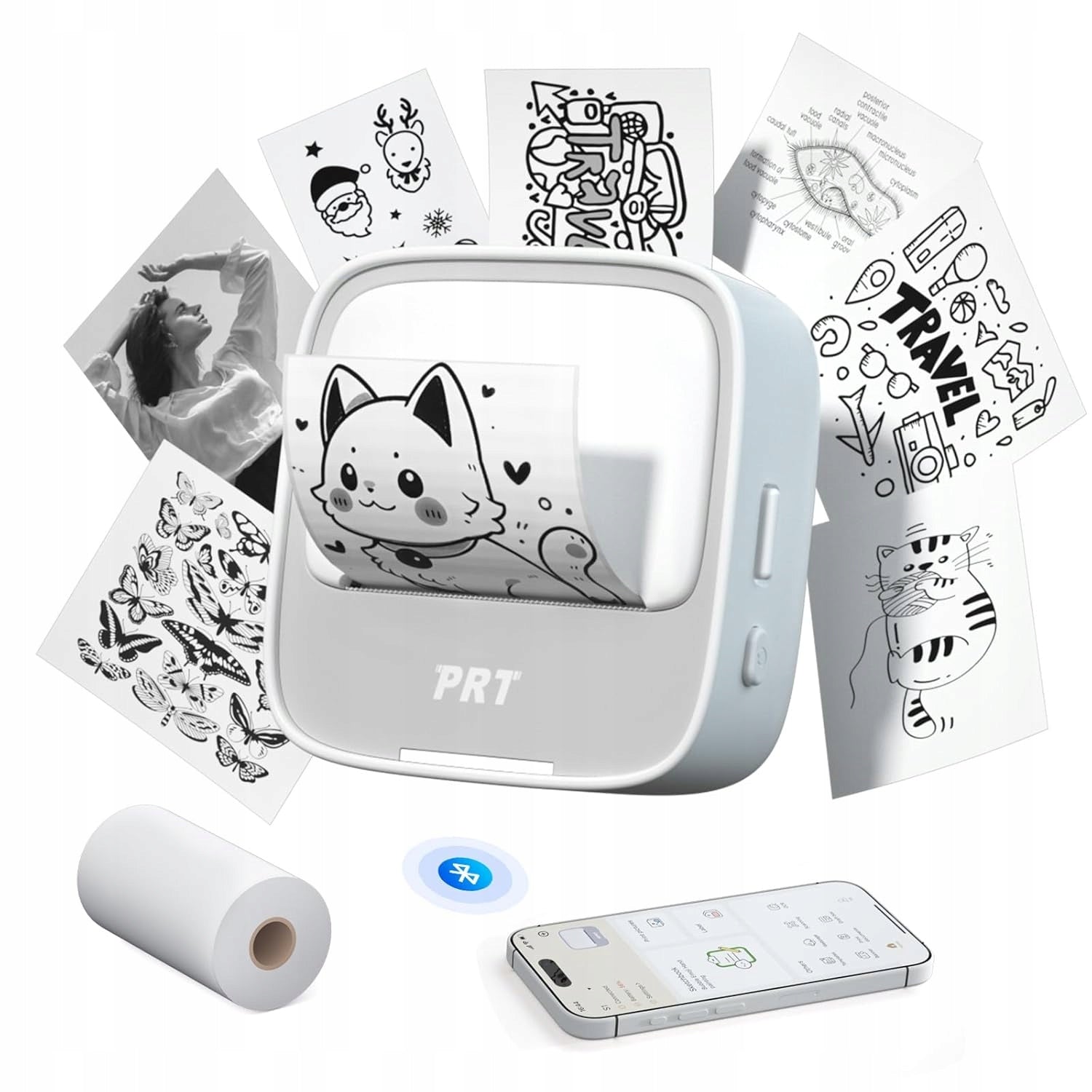
- Mini inkjet printer – PRT S1 mini pocket printer is an inkless printer, you do not need to buy ink or toner. It supports a wide range of styles, fonts, sizes, and designs, allowing you to create unique, creative labels to suit your needs. Easily edit, customize, and personalize your prints to your liking, adding more joy to your work and life.
- User-friendly – The mini pocket printer is compatible with iOS and Android phones/tablets via Bluetooth connection. The user-friendly interface and intuitive controls make creating custom stickers a breeze, even for those with no prior experience.
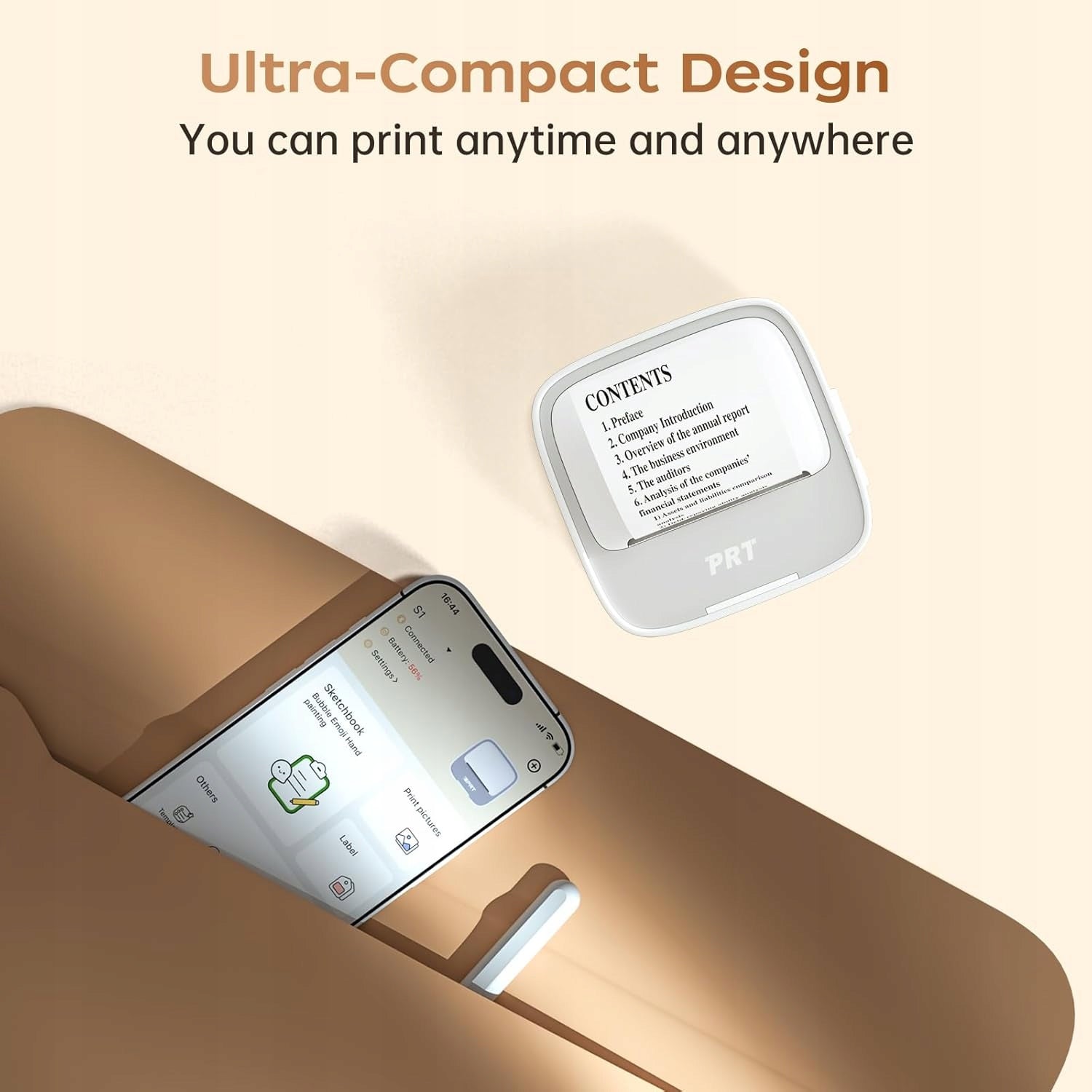
- Compact and portable – Enjoy unparalleled convenience with this lightweight and compact label tool. The PRT S1 mini printer is portable with dimensions of 9 x 9 x 9 cm, the mini hand size makes the pocket printer easy to carry and store. This mini sticker printer is designed for families and friends.
- Clear 300 DPI Printing: This thermal label printing offers high resolution 300 DPI printing, ensures clear and crisp labels every time. With a print speed of up to 10 inches/min (4 mm/s), you can complete your labeling projects in no time.
- Wide Application: The mini sticker printer is ideal for printing study notes, anatomical flashcards, mathematics graphic diagrams, chemistry, geography and physics, as well as effective fragment organization; also suitable for home, office, DIY and commercial use.
- Versatile Printing – The note printer supports various types of sticker paper, including clear, translucent, gold glitter and silver; Suitable for many sizes of sticker paper, with a maximum print width of 5,7cm (57mm), meeting a variety of printing needs.
- Direction of installation of thermal paper – thermal coating directed upwards (you can scratch the surface of the paper with a nail, the side with black scratches is the thermal surface). Pull the paper roll forward on the back of the paper roll holder (near the back of the printer) to avoid paper jams caused by reverse installation.
- Notes – 1: If the indicator light flashes during use or the application displays “brak paper”, check that the cover is securely closed and that the paper is the thermal side facing up. 2: Compatibility: Use original or high quality third party paper rolls. Low-quality paper can wear out the print head or leave toner residue. 3: Regular Maintenance: Clean the print head with alcohol swab every 1-2 months (after power off) to keep printing clear. 4: Troubleshooting: If you encounter blurry printing, try opening the printer cover, pressing inside, and then printing again.
New product
Opening packaging
Specifications
| Group | Name | Value |
|---|---|---|
| Parametry | Condition | new |
| Parametry | Invoice | With VAT invoice |
| Parametry | Manufacturer code | AG250805023038 |
| Parametry | Brand | no brand |
| Parametry | Model | 0450QRJF |
| Parametry | Type | multifunction printer |
| Parametry | EAN (GTIN) | 0759208291900 |
| Parametry | Packaging status | original |
| Parametry | Device color | white |
| Parametry | Printing technology | other |
| Parametry | Maximum paper format | other |
| Parametry | Communications | Wi-Fi |
| Parametry | Ports | none |