
Piegādes termiņš katrai precei ir norādīts pie cenas bloka.
Piegāde visā Lietuvā: bez maksas.
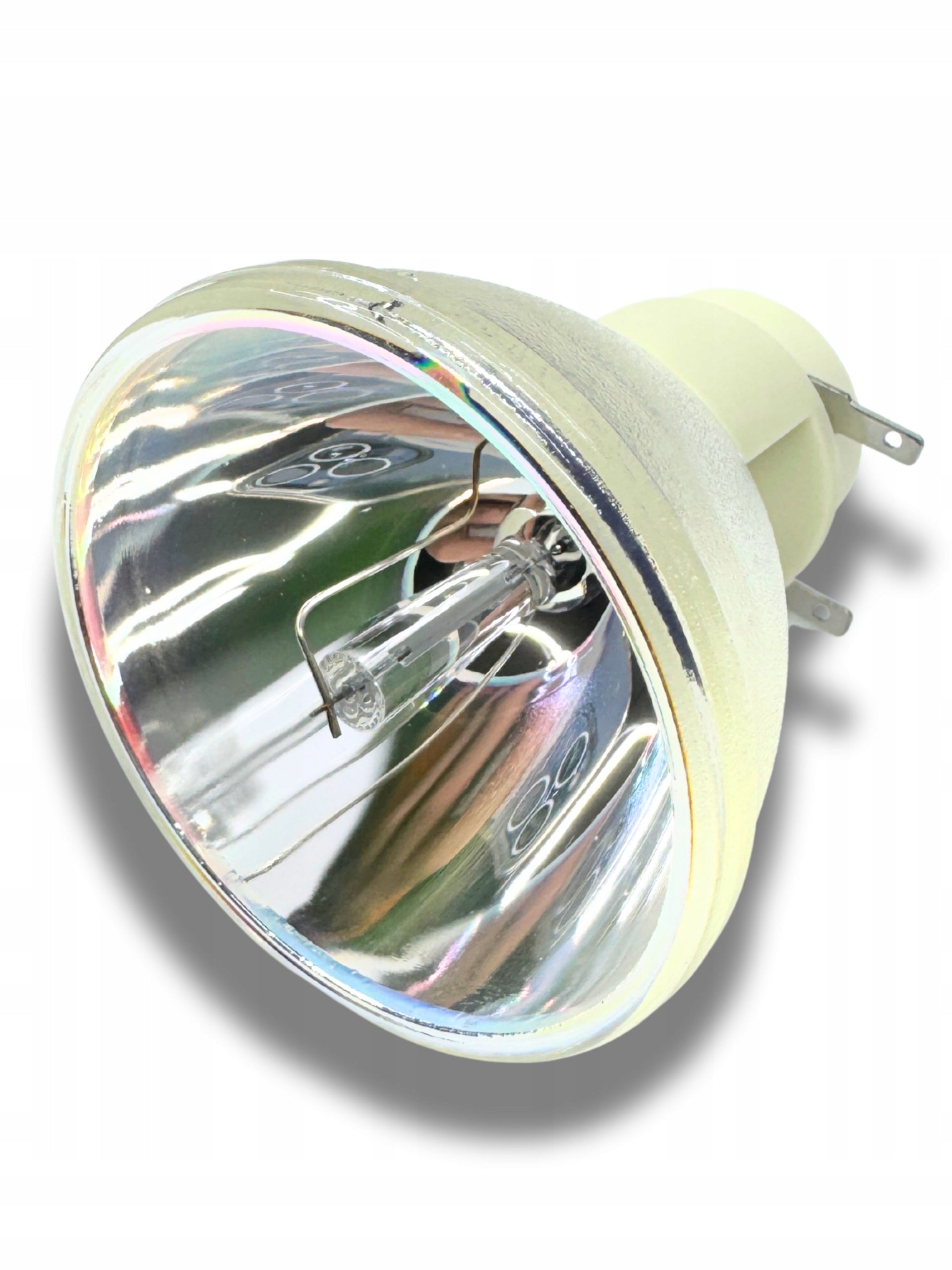
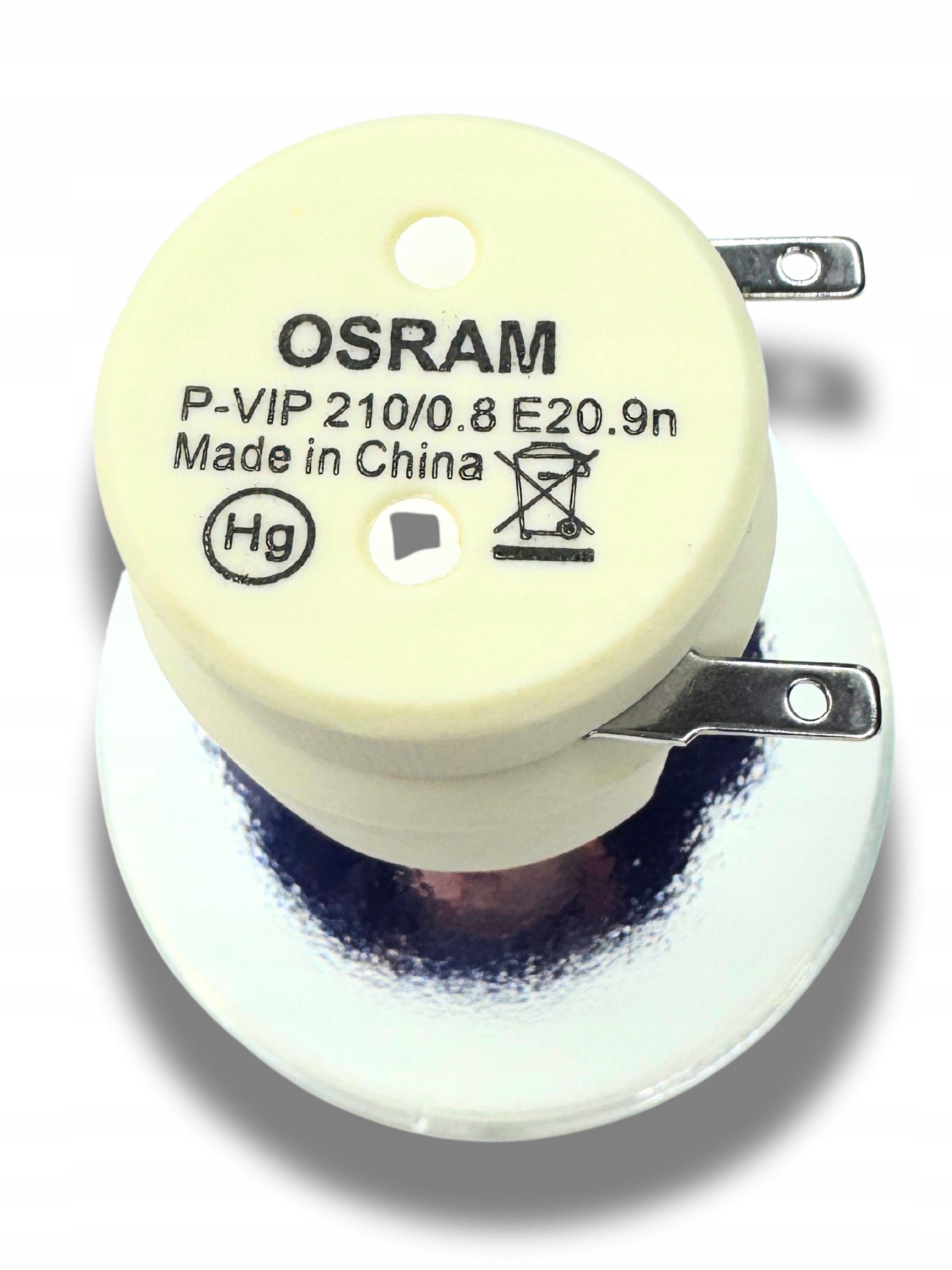
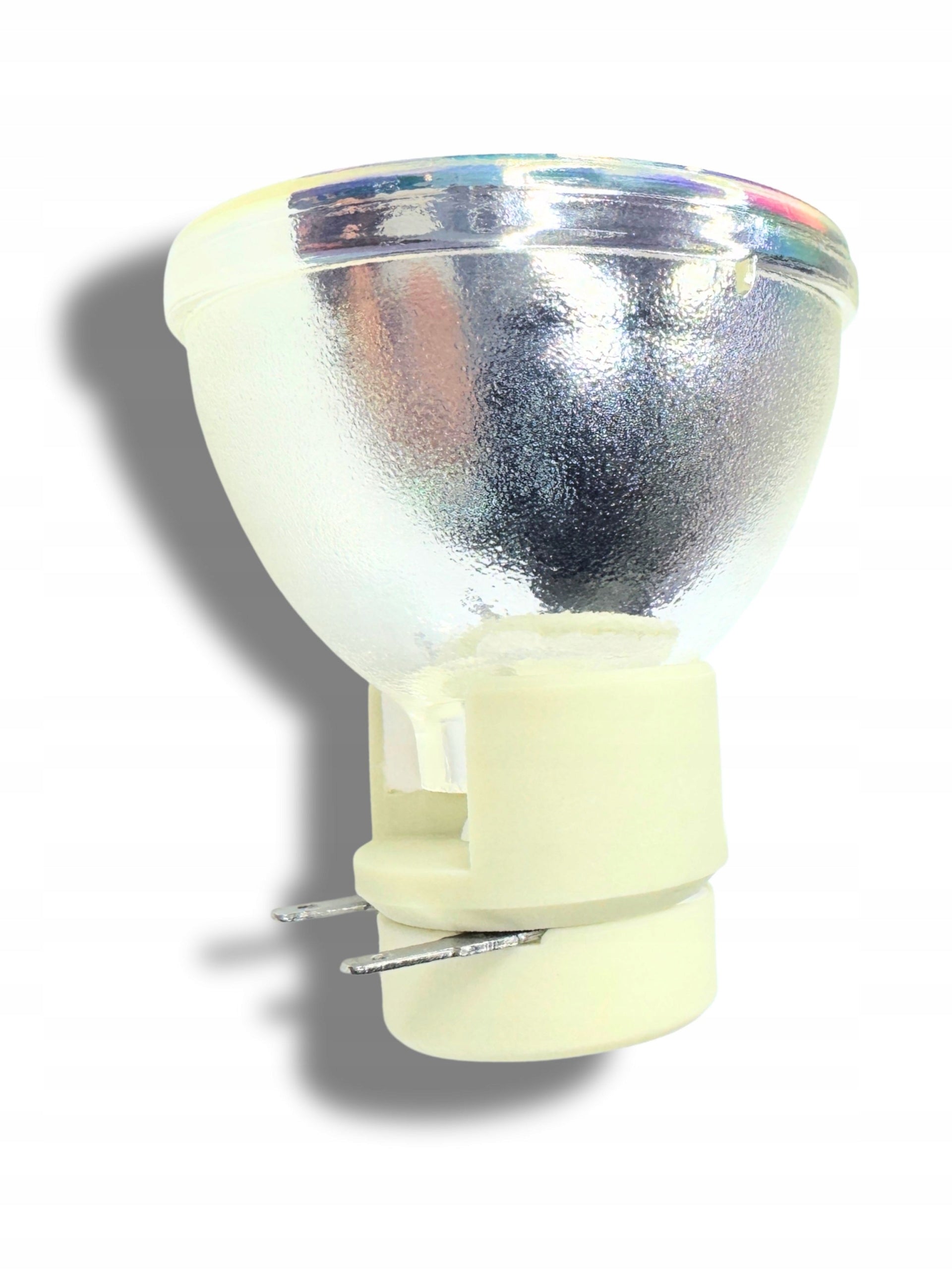
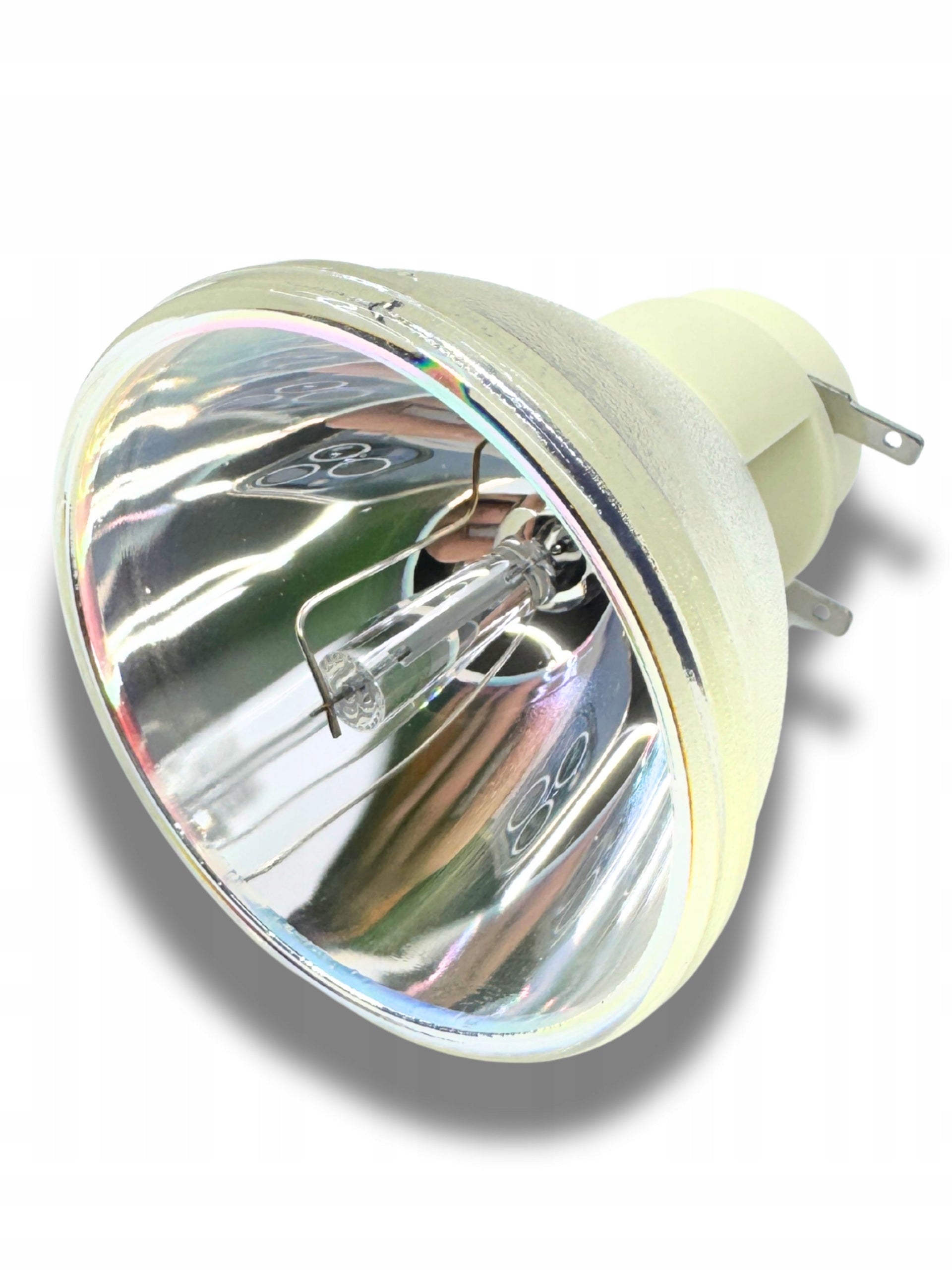
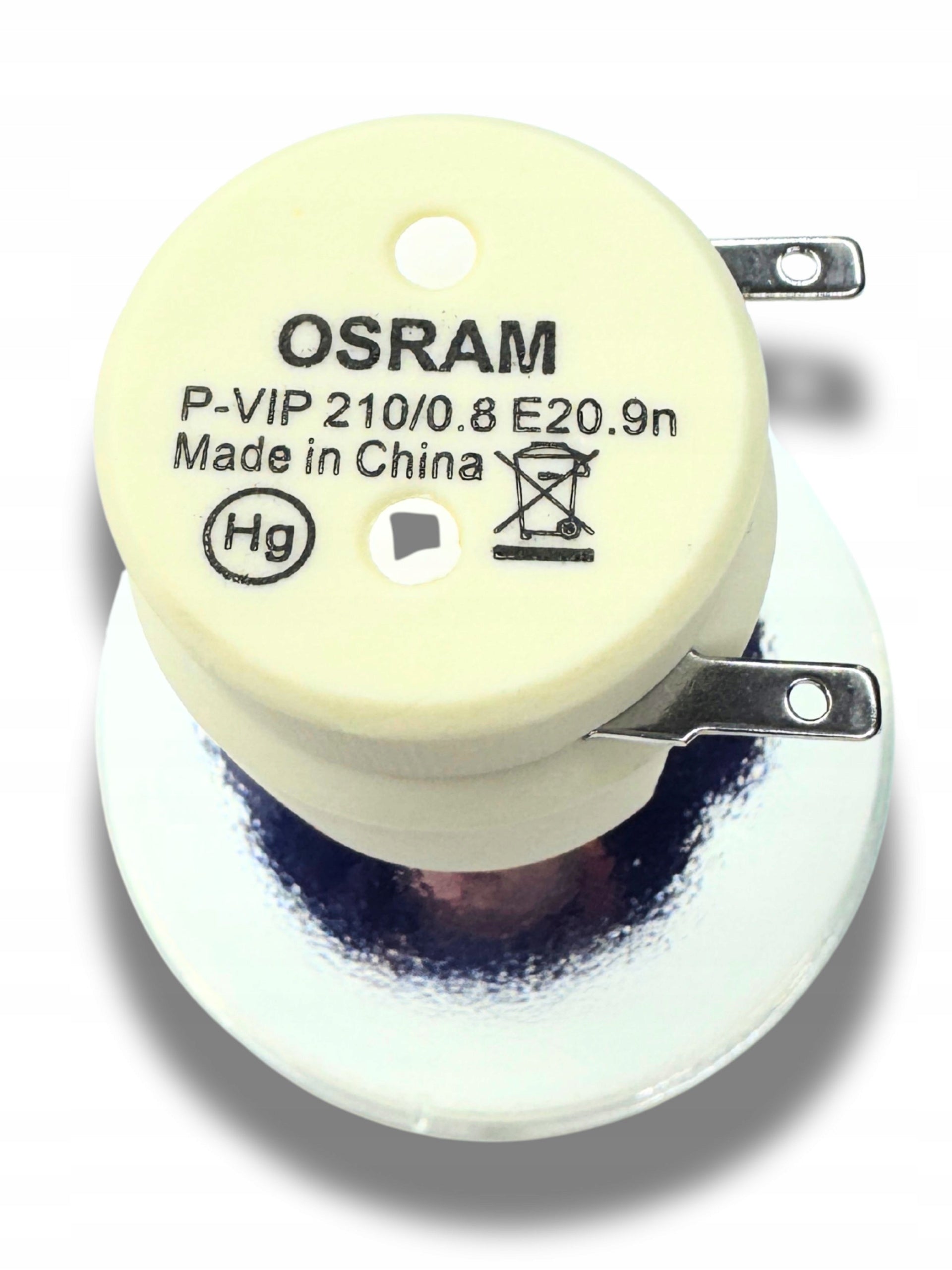
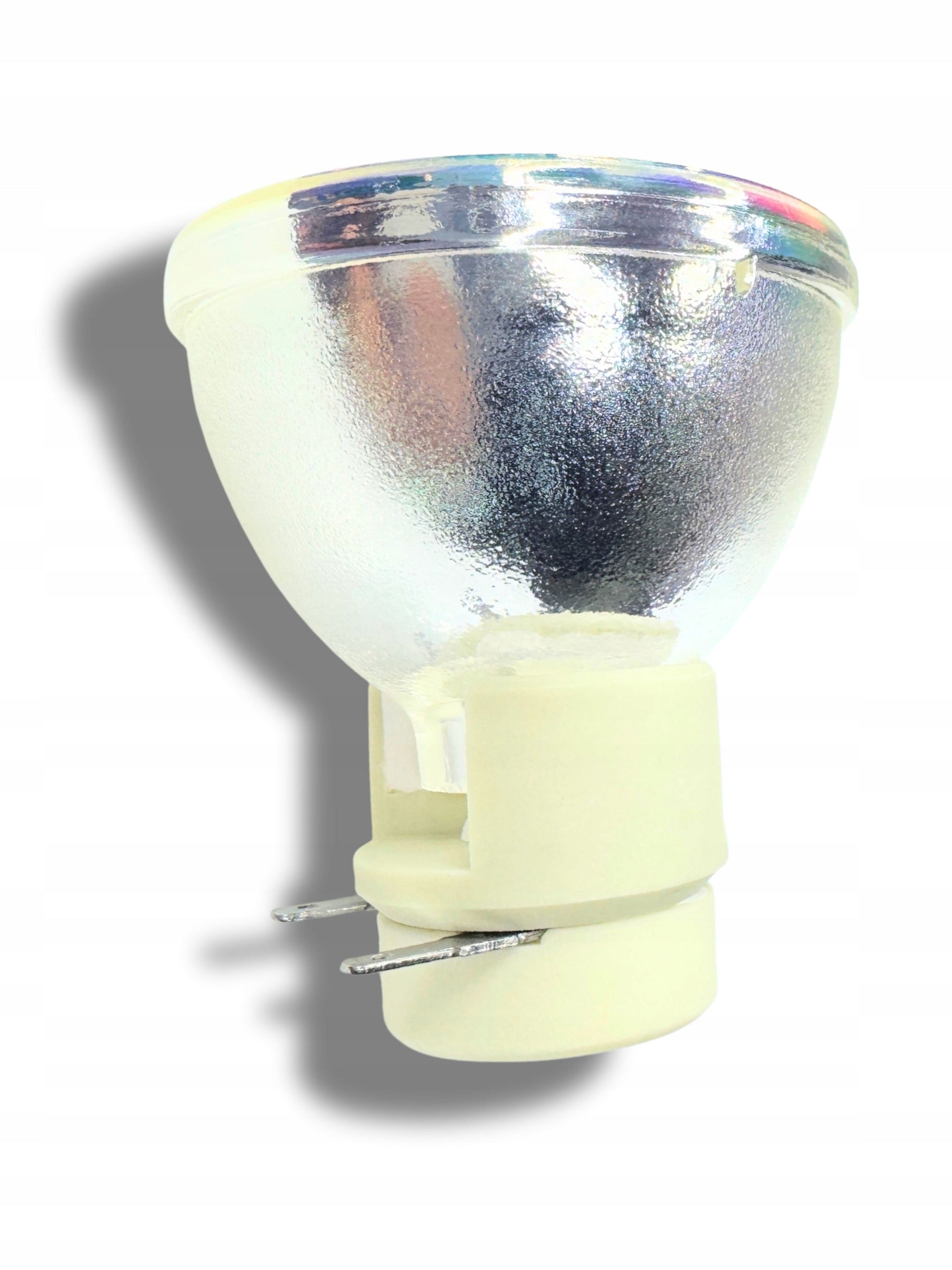


Trumpai apie prekę
Prekė: Lempa H6517BD H6517ST MR.JHF11.002 MR.JLA11.005 MR.JLA11.009 MC.JK211.00B. Kategorija: Lempos.
- Gamintojas: Acer
- Modelis: MC.JK211.00B
Restore your projector to factory brightness and color depth! The lamp offered is a high-quality component ensuring stable operation and long life of your device.
Main advantages:
- High brightness: Guarantees clear images even in incomplete blackout conditions.
- Long lifespan: The lamp offers up to 5000 hours in normal mode and up to 6000 hours in Eco mode.
- Stable power: The 210 W lamp provides optimal operating parameters for the optical system.
- Full compatibility: Precise workmanship guarantees a perfect fit for dedicated models.
Full list of compatible models:
The lamp is 100% compatible with the following Acer devices:
- H6517BD
- H6517ST
- MR.JHF11.002
- MR.JLA11.005
- MR.JLA11.009
- H6510BD
Technical specification:
- Manufacturer code: MC.JLA11.001
- Power: 210 W
- Lifetime: 5000h (Normal) / 6000h (Eco)
- Condition: New
ASSEMBLY TIPS:
- Protect glass: Never touch the glass burner with your bare fingers. Fat from the skin can lead to the lamp breaking after warming up. We recommend using powder-free gloves.
- Cooling: Before replacing, make sure the projector has been disconnected from the current for at least 60 minutes.
-
Filters: When replacing the lamp, always clean the air filter in the projector – dust is the main reason for the shortened life of new burners.
NOTE: Replace on a cold projector (at least 45 minutes after switching off). Do not touch the glass interior of the new burner with your fingers (use gloves or a cloth).
- Open the projector: Unscrew the screw to secure the lamp flap in the projector housing and remove it.
- Removal of the module: Unscrew the screws fixing the plastic lamp basket and gently pull it out by the handle.
-
Disassembly of the old burner:
Unscrew the power cords from the contacts of the old filament.
Remove the protection (usually plate or spring) holding the burner in the basket.
Remove the old burner, insert the new one.
- Counter reset: After turning on the projector, enter Menu -> Settings -> Lamp settings and perform Reset of the lamp hour counter (Lamp Hour Reset).
Specifications
| Group | Name | Value |
|---|---|---|
| Parametry | Condition | new |
| Parametry | Invoice | With VAT invoice |
| Parametry | Manufacturer code | MC.JK211.00B |
| Parametry | Model | MC.JK211.00B |
| Parametry | Brand | Acer |
| Parametry | EAN (GTIN) | 5904119187704 |
| Parametry | For | Acer |
| Parametry | Packaging status | original |
| Parametry | Batteries included | no |